1
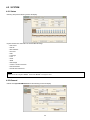
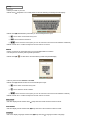
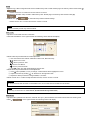
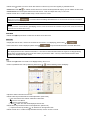
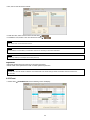
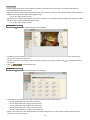
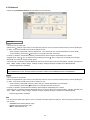
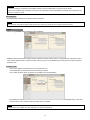
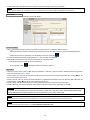
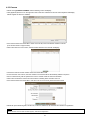
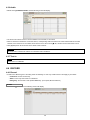
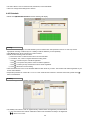
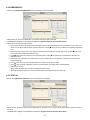
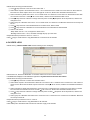
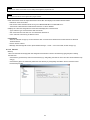
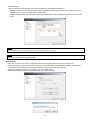
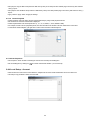
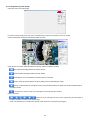
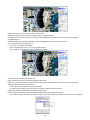
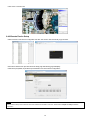
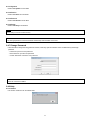
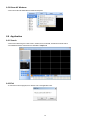
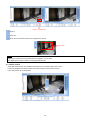
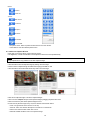
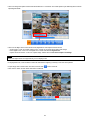
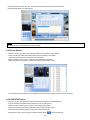
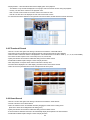
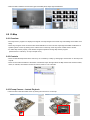
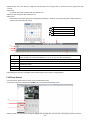
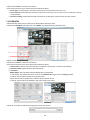
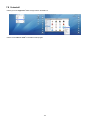
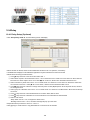
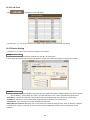
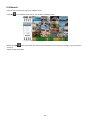
6.4.1.4 Remove Registered Site Select a site to delete on local setup window and click “Remove” The site will be removed on the local setup window. 6.4.2 Device Group Setup It is possible to make a group of multi-devices for user’s convenience. - Users are able to combine multiple devices as one group of connection for easy control. - Users are able to extract the cameras from registered NVRs to make own group of display. 6.4.2.1 New Grouping Setting Click Setup – Local Setup Device – Device Group List to add/edit a group Click “New” to set up the Group Name, select Division (from 4 to 144), and type the Description. Select the site from the server list in the left-hand side of the window. Right mouse click and click “connect” on the site or double clicking the device will show the tree of cameras and here users can extract the channel they want. To add the channels into new group, drag & drop or double click on the camera. Users are able to continue to extract and add the channel by connecting other NVRs. Click “OK” to save and exit. Users are able to set the pop up display function. The newly added group will be displayed under ‘Server List’ when you go back to live screen. 6.4.2.2 Edit Group Setting Select a group to adjust on Group Setting window then click “Edit” Change the setting then click “OK” to save and exit. Right click on server list and select the “Edit Device”, and then following pop up window will show up. Users are able to set the “description” and Popup Display 62