1
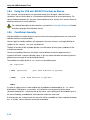
Using the ARM Embedded Tools
9.4.3
Examples
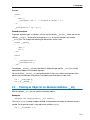
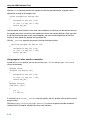
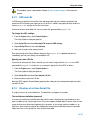
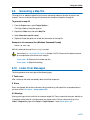
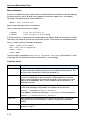
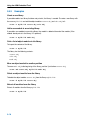
Create a new library
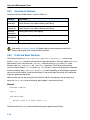
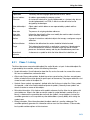
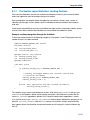
If you add modules to a library that does not yet exist, the library is created. To create a new library with
the name mylib.lib and add the object modules cstart.obj and calc.obj to it:
ararm −r mylib.lib cstart.obj calc.obj
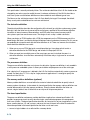
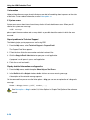
Add a new module to an existing library
If you add a new module to an existing library, the module is added at the end of the module. (If the
module already exists in the library, it is replaced.)
ararm −r mylib.lib mod3.obj
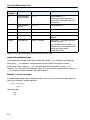
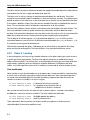
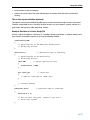
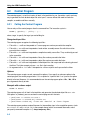
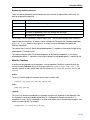
Print a list of object modules in the library
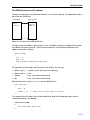
To inspect the contents of the library:
ararm −t mylib.lib
The library has the following contents:
cstart.obj
calc.obj
mod3.obj
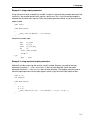
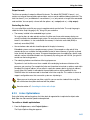
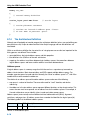
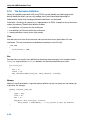
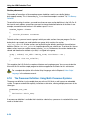
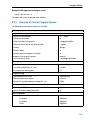
Move an object module to another position
To move mod3.obj to the beginning of the library, position it just before cstart.obj:
ararm −mb cstart.obj mylib.lib mod3.obj
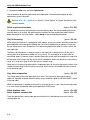
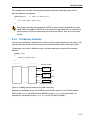
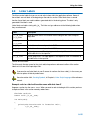
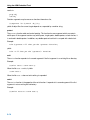
Delete an object module from the library
To delete the object module cstart.obj from the library mylib.lib:
ararm −d mylib.lib cstart.obj
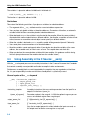
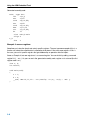
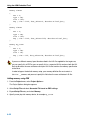
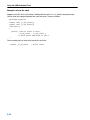
Extract all modules from the library
Extract all modules from the library mylib.lib:
ararm −x mylib.lib
9−18