1
Using the ARM Embedded Tools
2.5
Setting the Embedded Project Options
An embedded project in EDE has a set of embedded options associated with it. After you have added
files to your project, and have written your application (hello.c in our example), the next steps in the
process of building your embedded application are:
• selecting a target processor architecture
• specifying the options of the tools in the toolchain, such as the C compiler, assembler and linker
options. (Different toolchain configurations may have different sets of options.)
2.5.1
Selecting a target processor
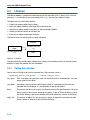
For an embedded project, you must specify the configuration and processor type first:
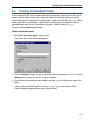
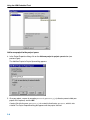
1. From the Project menu, select Project Options...
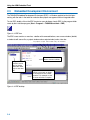
The Project Options dialog appears.
2. Select Processor Definition.
3. In the Target processor list select a target processor. If you select (Other), select an Architecture.
4. Click OK to accept the new project settings.
2.5.2
Setting the tool options
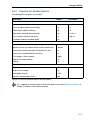
You can set embedded options commonly for all files in the project and you can set file specific options.
Setting project wide options
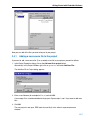
1. From the Project menu, select Project Options...
The Project Options dialog appears.
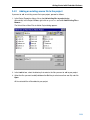
2. In the left pane, expand the C Compiler entry.
This entry contains several pages where you can specify C compiler settings.
2−10