1
4
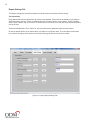
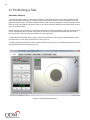
Figure 1: inSpec Main Screen - Landscape Mode
inSpec Tablet Support
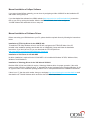
inSpec is designed to be touch-friendly and supports screen rotation to make it more convenient when used
with tablets. Figure 1 illustrates the main screen in the landscape mode; Figure 2 illustrates the main screen in
the portrait mode.
In this manual, all subsequent figures will be illustrated in the landscape mode, but the operation of inSpec will
be the same in the portrait mode. Only the button sizes and locations are changed to accommodate the different orientation.
Figure 2: inSpec Main Screen - Portrait Mode