1
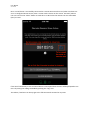
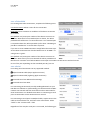
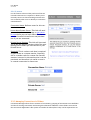
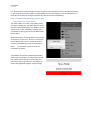
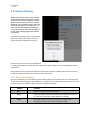
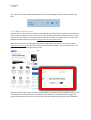
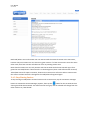
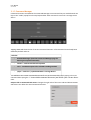
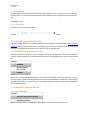
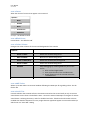
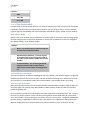
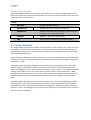
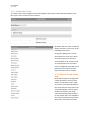
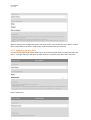
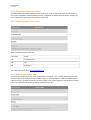
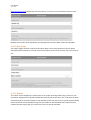
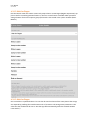
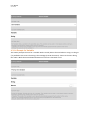
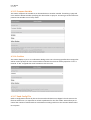
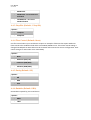
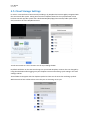
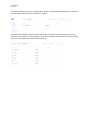
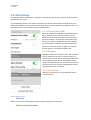
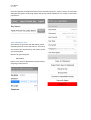
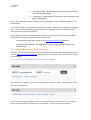
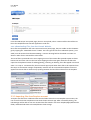
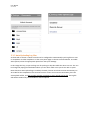
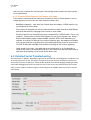
User Manual Get Console 3.1.3.Command Manager Command shortcuts are added in the Command Manager. Once entered they are available with one tap via the “Cmds” popup from the top keyboard bar. Each command is sent with a carriage return aser it. ! Tapping CMDS will show the list of current command shortcuts. A few shortcuts have already been defined by default and user Defaults: - Command Manager (Launches Command Manager page for entering more quick commands) - <break> -‐ sends terminal break sequence - <esc> -‐ sends ESC sequence for selected encoding method - <pipe> -‐ sends the | symbol WITHOUT a Carriage Return can add their own custom command shortcuts for use in the terminal by simply typing in the new command then taping the “+” buion.Adds command shortcuts just bellow your current shortcuts. Swipe to le^ on Command Side menu: Changes the right side of the row to edit and delete buions which then can delete the saved command shortcut. !