1
1
Getting Started
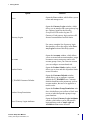
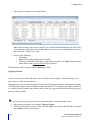
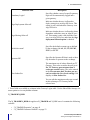
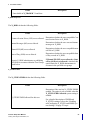
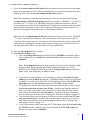
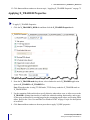
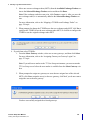
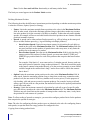
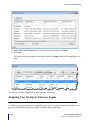
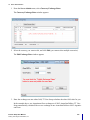
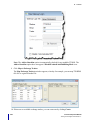
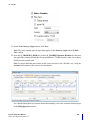
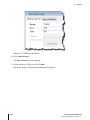
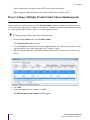
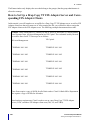
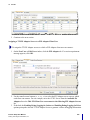
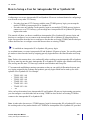
Note: Partial filter matches are considered a match. For example, the TTDEMO1 filter matches TTDEMO1, TTDEMO10, TTDEMO100, etc.
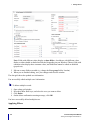
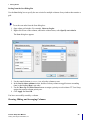
You have successfully applied a filter to a column.
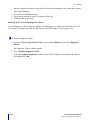
Filtering by an Exact Match
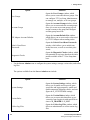
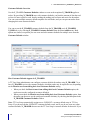
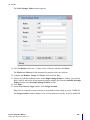
You use an = filter symbol to indicate that the text that follows the symbol must filter by an exact match.
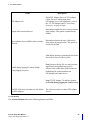
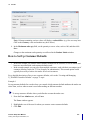
For example, if you enter =Eurex in a Gateway column filter, the data grid displays only Eurex (no flavor) Gateways.
Auto Filter
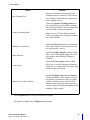
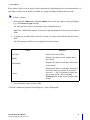
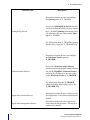
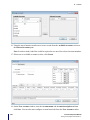
The auto-filter feature also automatically adjusts the content of a column as you enter or delete text in a
filter. As you begin typing, your column begins to filter. For example, typing the letter B in the Gateway
filter will show only gateways that begin with the letter B. Every subsequent letter typed, further filters
the column.
Using Wildcards
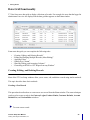
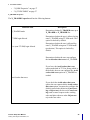
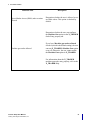
TT User Setup allows you to include wildcards with the filter text to further filter the display:
•
32
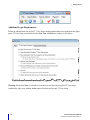
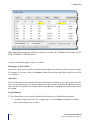
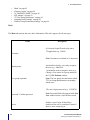
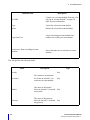
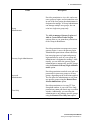
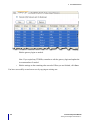
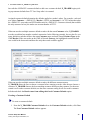
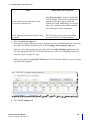
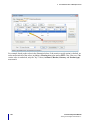
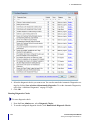
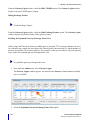
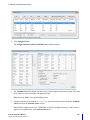
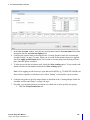
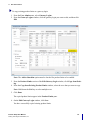
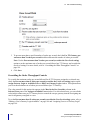
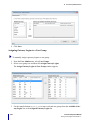
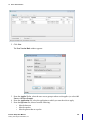
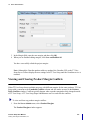
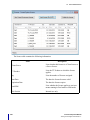
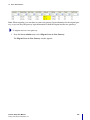
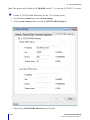
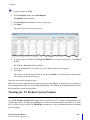
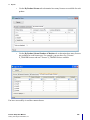
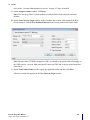
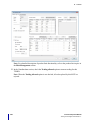
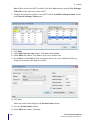
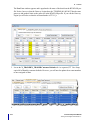
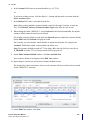
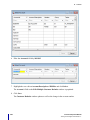
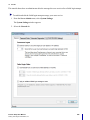
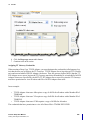
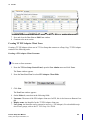
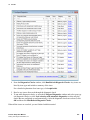
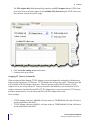
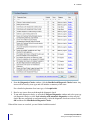
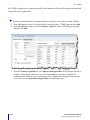
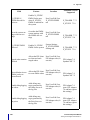
+ matches multiple characters. For example, type +-A in a Gateway column filter to display
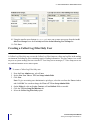
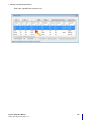
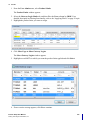
only A-flavored gateways, as shown:
TT User Setup User Manual
Trading Technologies International, Inc.