1
Making Life Easier
Starting Programs Faster
173
Defining a Pop-up Key Assignment
To assign a key to open a program or document from a pop-up list,
follow these steps:
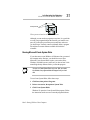
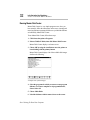
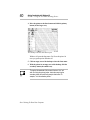
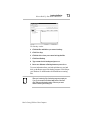
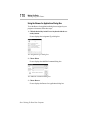
1 Click the desired key in the Fn-esse keyboard with the secondary button.
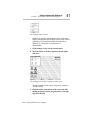
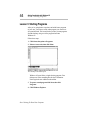
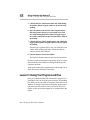
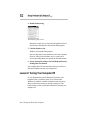
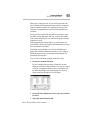
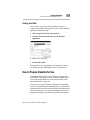
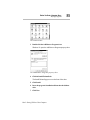
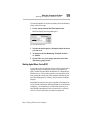
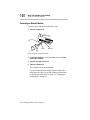
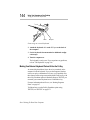
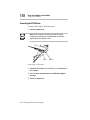
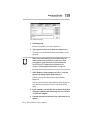
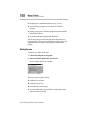
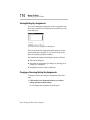
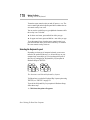
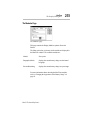
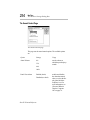
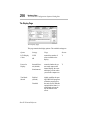
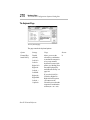
Fn-esse displays the Assignment Type dialog box:
The Assignment Type dialog box
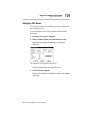
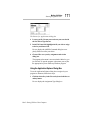
2 Choose Popup.
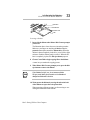
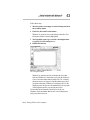
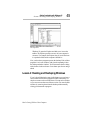
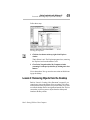
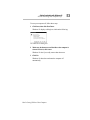
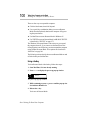
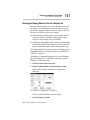
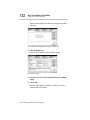
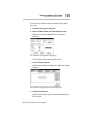
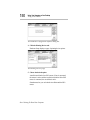
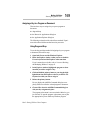
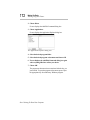
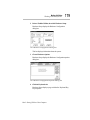
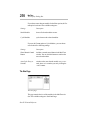
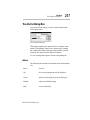
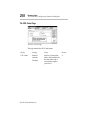
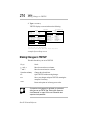
Fn-esse displays the Application Explorer dialog box.
3 Select the desired folder.
The left side of the Application Explorer displays the folders in
the Programs menu. The right side lists the programs and documents in the folder. These are the items that will appear in the
pop-up list. To create a pop-up list with items from various
folders, or to pick only a few items from a folder, create a new
folder containing only the desired programs and documents. If
you're unsure how to do this, refer to your Windows 95
documentation.
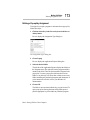
4 Choose OK.
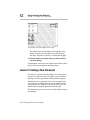
The folder is now associated with the key you just selected. To
open a pop-up list showing the items in that folder, press Fn
plus the appropriate key from within any Windows program.
Part I: Getting To Know Your Computer