1
Finding Your Way around the System
Select a Place To Work
3
Keep Yourself Comfortable
Strain and stress injuries are becoming more common as people
spend more time using their computers. However, with a little care
and proper use of the equipment, you can work comfortably
throughout the day.
Using the computer keyboard incorrectly can result in discomfort and possible injury. If your hands, wrists, and/or
arms bother you while typing, discontinue using the computer and rest. If your discomfort persists, consult a
physician.
In addition to the hints provided in the following sections, there
are a number of books available on ergonomics, repetitive strain
injury, and repetitive stress syndrome.
Placement of the Computer
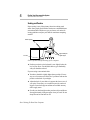
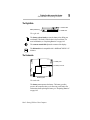
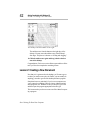
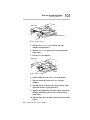
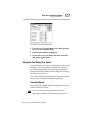
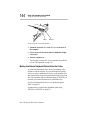
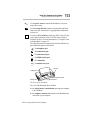
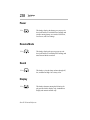
Proper placement of the computer and external devices is important to avoid stress-related injuries:
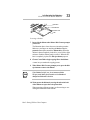
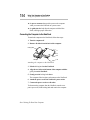
❖ Place the computer on a flat surface at a comfortable height
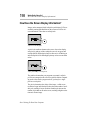
and distance. Your arms and hands should be in a relaxed position with your forearms parallel to the floor. The display
should be no higher than eye level.
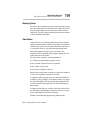
❖ Maintain good posture with your body relaxed and your
weight distributed evenly. You should be able to type without
twisting your torso or neck, and see the display panel without
slouching.
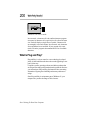
❖ Adjust the display panel to avoid glare.
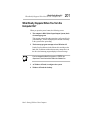
❖ If you use a paper holder, set it at about the same height and
distance as the computer.
Part I: Getting To Know Your Computer