1
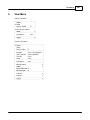
Tools Menu
235
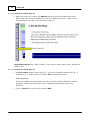
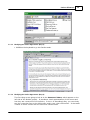
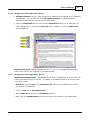
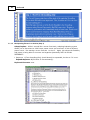
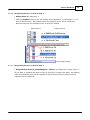
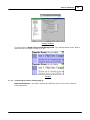
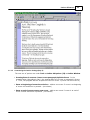
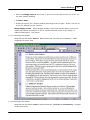
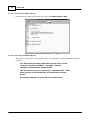
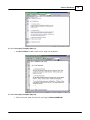
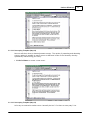
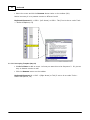
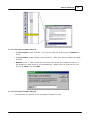
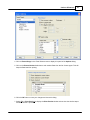
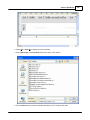
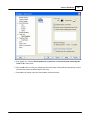
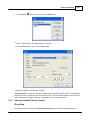
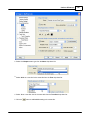
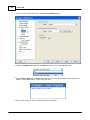
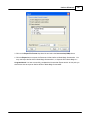
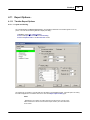
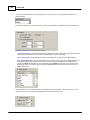
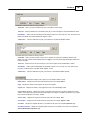
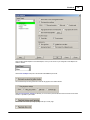
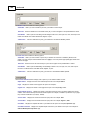
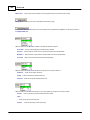
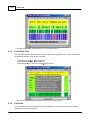
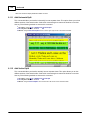
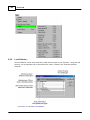
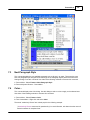
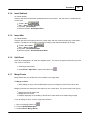
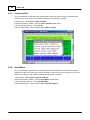
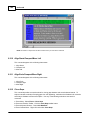
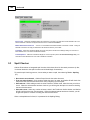
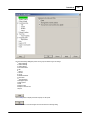
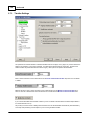
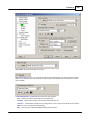
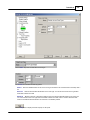
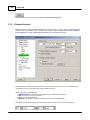
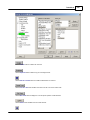
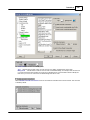
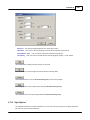
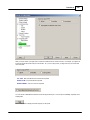
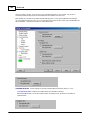
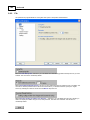
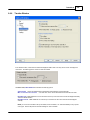
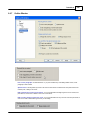
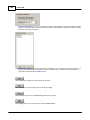
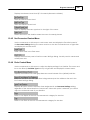
The Track Color area includes the follow ing options:
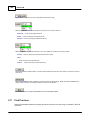
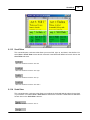
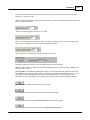
Text - Click this button to select a new text color from the Color dialog. The default text color is black.
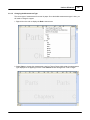
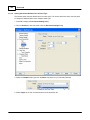
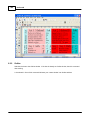
Background - Click this button to select a new text color from the Color dialog. For example, select the color red
if you w ant the Romeo track to appear on-screen w ith a red background. This w ould make it easier to identify this
track w hen you w ork in the Track area. The default background color is w hite.
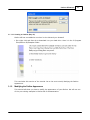
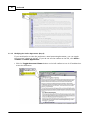
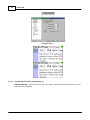
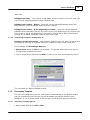
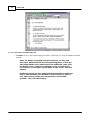
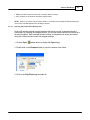
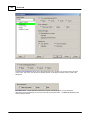
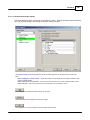
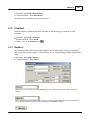
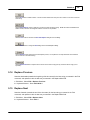
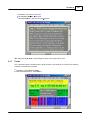
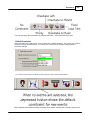
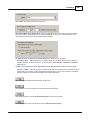
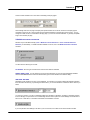
Mark the Enable Autom atic Connections check box to activate the automatic track connection feature. This check box
is marked by default.
© 2009 Write Brothers Inc.