1
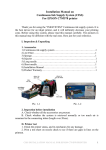
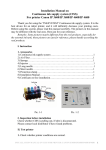
Pic. 1-3
2. Inspection before installation
A. Check whether all the accessories available or not.
B. Check whether CISS is pulling out, if tube is disconnected.
Please contact your local distributor if have noticed problems.
II. Test printer
1. Check whether printer conditions are normal or not.
2. Enter nozzle test option (2-1), print nozzle test sheet to see whether nozzle is
normal (2-2, 2-3).
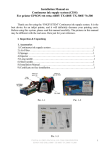
Pic. 2-1
Pic. 2-2, 2-3
3. If printer is alright, please print a picture to see the result.
Note: This system will not cause any damage on your printer.
Ill. Installation Procedures
1. Make the system ready
Place the system on the table, check to see if there is any ink in each of the air
balance tube. If yes, you need to remove the ink in the balance tubes by the following
steps:
2
INSTALLATION MANUAL ON CISS FOR PRINTER
EPSON Office T40W/ 80W/ B40W/ Workforce 40