1
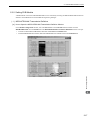
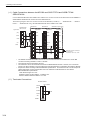
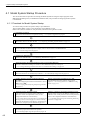
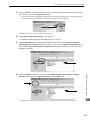
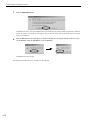
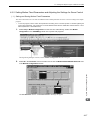
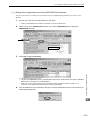
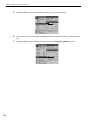
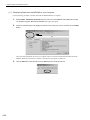
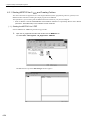
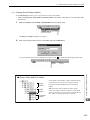
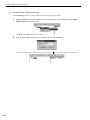
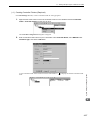
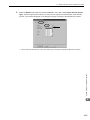
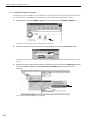
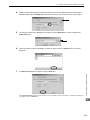
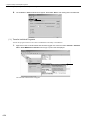
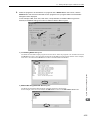
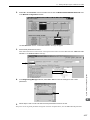
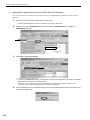
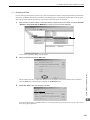
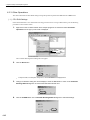
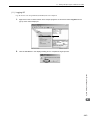
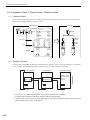
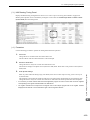
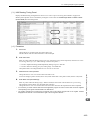
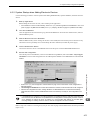
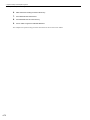
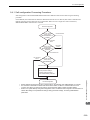
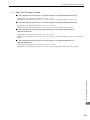
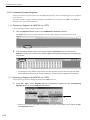
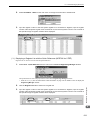
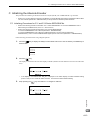
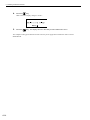
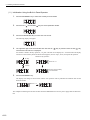
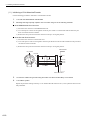
4.1 Model System Startup Procedure 4.1.3 Initializing SERVOPACKs This section describes the procedure for initializing Σ-III SERVOPACKs using the Digital Operator. Always initialize SERVOPACKs that have been transferred from other systems. SERVOPACKs that are being used for the first time do not need to be initialized. 1. Check that the SERVOPACK power is OFF and then insert the Digital Operation connection plug into the CN3 connector on the SERVOPACK. 2. Turn ON the SERVOPACK control power and main power. 3. Turn ON the Digital Operator power. 4. Press the use the 5. Press the Key on the Digital Operator to display the Auxiliary Function Mode main menu, and Keys to select Fn005. Key to switch to the Fn005 parameter initialization execution display. * If the display does not change and “NO-OP” is displayed on the status display, a Write Prohibited password has been set using Fn010 and the user settings cannot be initialized. Clear the write protection and execute the operation again. 6. Press the Key again and execute Fn005. The flashing will stop when initialization has been completed and the status display will change from BB to Done to A.941. To cancel initialization, press the Key before pressing the Key. The display returns to the Auxiliary Function Mode main menu. 7. Turn the SERVOPACK control and main power supplies from OFF to ON to enable the initialization. System Startup and Sample Programs “Parameter Init” will flash during initialization. 4 4-5