1
MODE
◄CONTRAST
3)
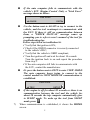
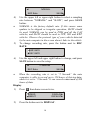
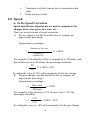
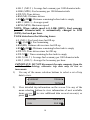
To change the display of trip items, press the button next to
MODE.
◄
Trip Mode
4)
5)
HOME►
2 Items
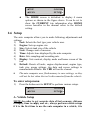
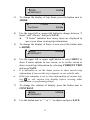
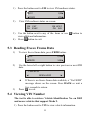
Use the upper left or upper right button to change between “2
Items” and “4 Items”, and press SAVE.
l
“X Items” indicates how many items are displayed in
one screen when viewing trip information.
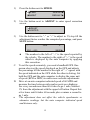
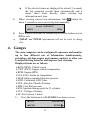
To change the display of home screen, press the button next
to HOME.
MODE
◄CONTRAST
6)
•
•
7)
HOME►
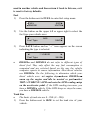
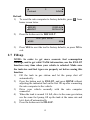
Use the upper left or upper right button to select MENU to
show 4 menu options in one screen, or to set the screen to
show current trip information by selecting CURRENT TRIP,
and press SAVE.
It is advisable to set the home screen to show current trip
information if you use the trip computer in one vehicle only.
If the trip computer is set to show information of current trip,
to exit current trip display before viewing other
use
information, or performing setups.
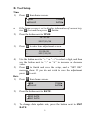
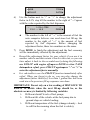
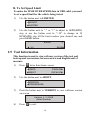
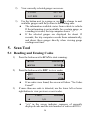
To change the contrast of display, press the button next to
CONTRAST.
MODE
◄CONTRAST
8)
►
SAVE►
HOME►
Use the button next to “-” or “+” to adjust, and press SAVE.
11