1
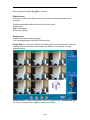
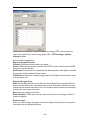
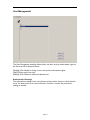
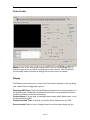
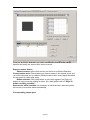
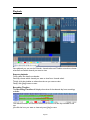
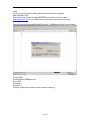
Double-click the camera icon which you want to view.
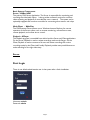
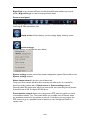
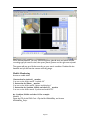
[Start]: means receive all camera images.
[Stop]: means stop receive image.
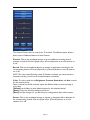
[Windows select]: here you may choose 1, 4, 9, 16 channels to view the images from
sever system.
Tips:
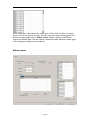
Double-click on the channel: Brings that channel to single full view. (Double-click again
to return to the previously view.)
Right-click on the channel image, you may stop the video by pop-up menu.
Fifthly, remote playback
Page 29