1
5 DEBUGGING THE PROGRAM
MELSOFT
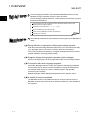
Chapter 5 explains the online debugging operation of the sequence program written to the PLC
CPU using the monitor function and device test function.
Monitoring the sequence program.
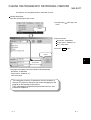
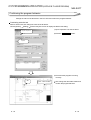
Changing the bit device value and conducting a device test.
Changing part of the sequence program and writing it to the PLC CPU in RUN status.
5.1 Monitoring the Sequence Program
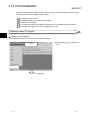
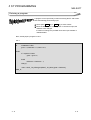
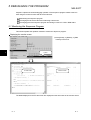
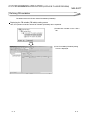
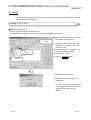
This section explains the operation method to monitor the sequence program.
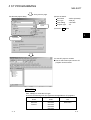
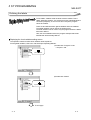
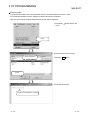
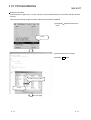
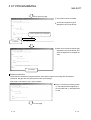
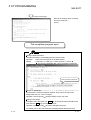
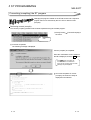
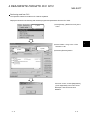
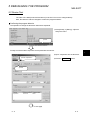
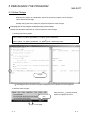
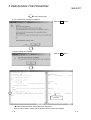
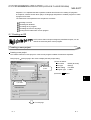
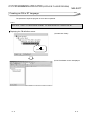
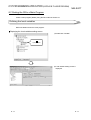
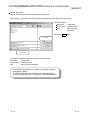
Displaying the monitor screen
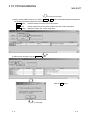
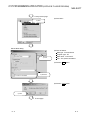
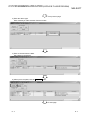
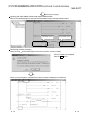
1) Click [Online]
[Monitor]
monitor] in the menu.
5
[Start
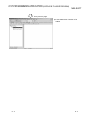
1) Click.
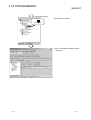
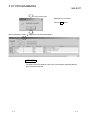
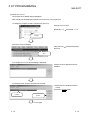
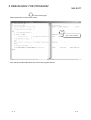
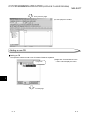
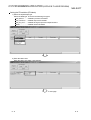
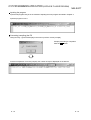
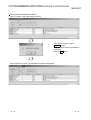
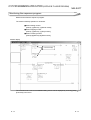
ST edit screen
Monitor screen
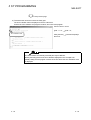
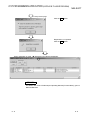
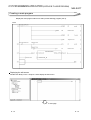
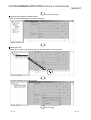
The labels displayed on the ST edit screen are displayed on the same lines of the monitor screen.
5-1
5-1