1
Graph log
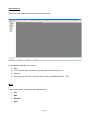
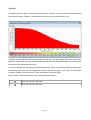
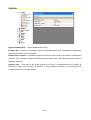
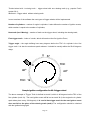
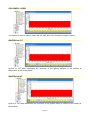
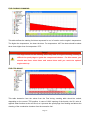
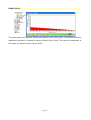
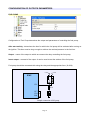
Graph log is a control used to observe and analyse selected parameters of the engine’s work. The
presented data are in the graph form, while the precise reading of these data can be obtained by
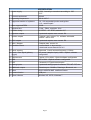
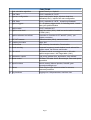
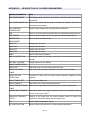
moving the cursor on the selected point of the graph. The description of all logged parameters in is
appendix 1 at the end of the manual.
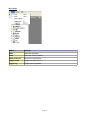
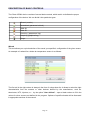
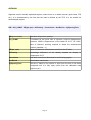
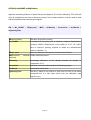
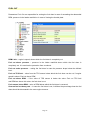
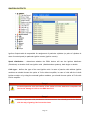
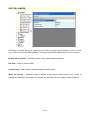
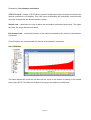
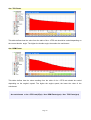
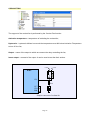
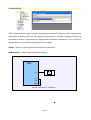
On the toolbar of this window there are 7 icons described below.
Open the file with a 2D table
Save the file with a 2D table
Expand the logo’s area
Decrease the logo’s area
Clean the graph
/
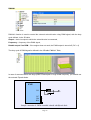
Pause / resume displaying data. Registration of data in the memory takes place
independently of this parameter.
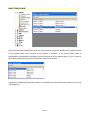
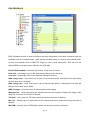
Add / subtract the displayed parameters from the list
Page 22