1
User Manual of iVMS-5200 Control Client
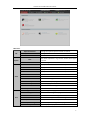
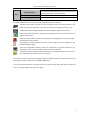
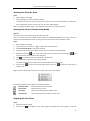
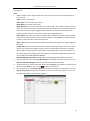
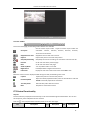
User Manual (F1)
Help
About
Language
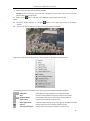
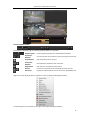
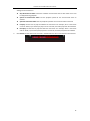
Click to open the User Manual; you can also open the User
Manual by pressing F1 on your keyboard.
View the basic information of the Control Client.
The default language of the Control Client is English.
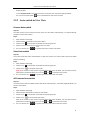
The iVMS-5200 Control Client is composed of the following function modules:
The Main View module provides live view of network cameras and video encoders, and
supports some basic operations, such as picture capturing, recording, PTZ control, etc.
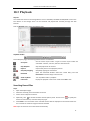
The Remote Playback module provides the search, playback, export of record files.
The E-map module provides the displaying and management of E-maps, alarm inputs, hot
regions and hot spots.
The Alarm Center module provides the displaying and management of alarm information
received by the Control Client.
The Log Search module provides the query of system log files and the log files can be
filtered by different types.
The Local Configuration module provides the configuration of general parameters, file
saving paths, alarm sounds and other settings for the Control Client.
The Status Detection module provides the function of displaying the status of the server,
connected devices and the cameras of the devices.
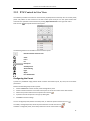
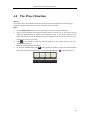
The function modules are easily accessed by clicking the navigation buttons on the control panel or by
selecting the function module from the View or Tool menu.
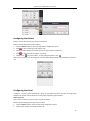
You can check the information, including current user, network usage, CPU usage, memory usage and
time, in the upper-right corner of the main page.
6