1
ASSESSMENT PRODUCT
USER MANUAL
Views
Assessment Signatures - Cont’d
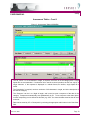
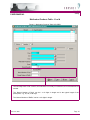
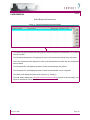
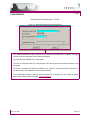
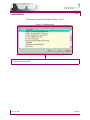
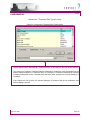
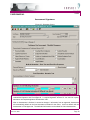
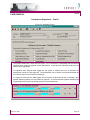
Figure 33 - Signature Groups
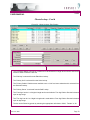
! The system defaults the current date and time if ‘Yes’ is selected to acknowledge that the selected
signature is the electronic signature for this Assessment. A date and time other than today’s can be
entered when appropriate.
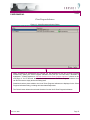
! If a signature other than the Staff logged into the system is selected and ‘Yes’ is indicated, the
Assessment cannot be Final Approved. The Assessment can be Saved, and the selected Staff will
be notified to sign on the Clinician’s HomePage.
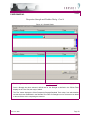
! If a signature other than the Staff logged into the system is selected and ‘N/A’ is indicated, ‘N/A’
signifies that the signature is not an electronic signature. An ‘N/A’ beside the signature indicates that
a signed paper form carries the official signature for the Assessment.
March 14, 2005
Page 41