1
Epsilen 2.0
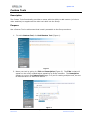
Forwarding Take Notes
To Forward Group Notes
1.
2.
3.
4.
5.
6.
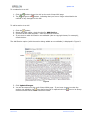
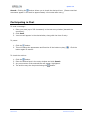
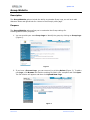
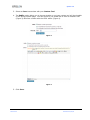
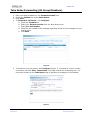
Click the Options button in the left-side menu.
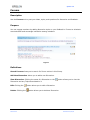
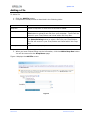
Click the Take Notes Forwarding tab.
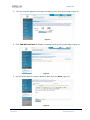
Enter your desired address in the Forward to Email field.
Check the Enabled box under Email Status.
Click Save.
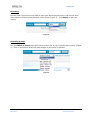
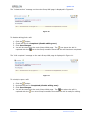
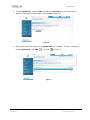
To Forward to Cell Phone, click Configure.
a. Check the Forward box.
b. Select your Service Provider from the drop-down menu.
c. Enter Your Cell Number.
d. Check the box related to the message regarding receipt of text messages on your
mobile device.
e. Click Save.
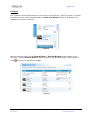
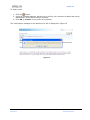
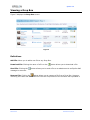
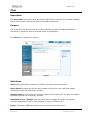
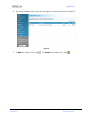
7. Click Take Notes in the left-side menu.
8. Click Forward.
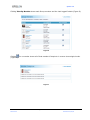
9. The Take Notes page will refresh to indicate that your note was forwarded successfully.
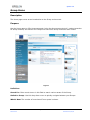
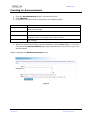
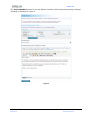
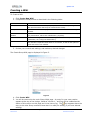
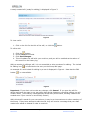
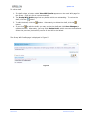
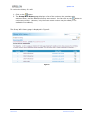
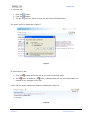
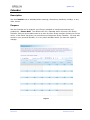
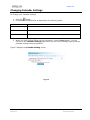
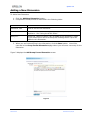
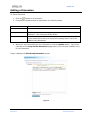
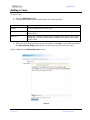
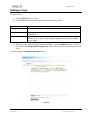
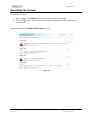
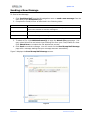
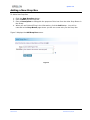
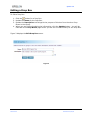
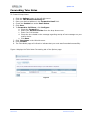
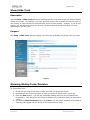
Figure 4 displays the Take Notes Forwarding tab of the Options page.
Figure 4
Page 69 of 85
Manual 2.0
Version 1.0
Published 5/04/09