1
User Manual: LPC4330-Xplorer
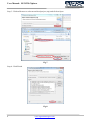
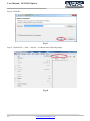
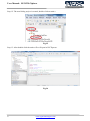
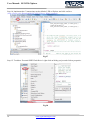
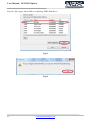
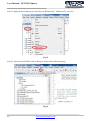
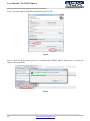
Step 16: Select C/C++ Build -> ‘MCU settings’ and click Edit.. as shown in the following image.
Fig.29
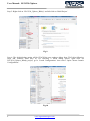
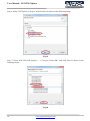
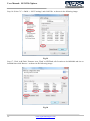
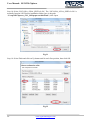
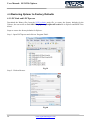
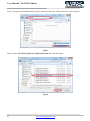
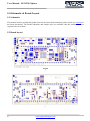
Step 17: Click ‘Add Flash’, Rename ‘new_Flash’ to SPIFlash, edit Location to 0x14000000 and size to
0x40000 then click Browse.. as shown in the following image.
Fig.30
19
www.ngxtechnologies.com