1
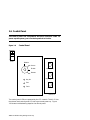
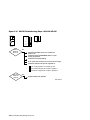
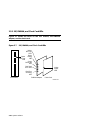
Processor Status LEDs
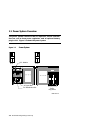
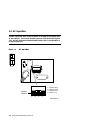
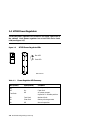
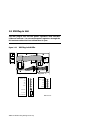
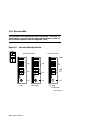
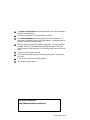
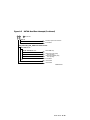
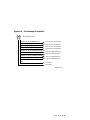
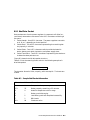
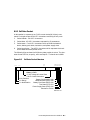
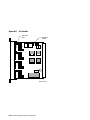
The large green LED at the bottom of the processor lights when the module passes self-test. You can see this LED through the peephole on the
module enclosure.
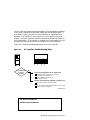
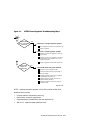
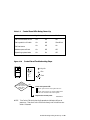
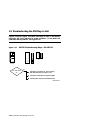
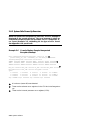
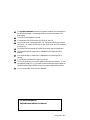
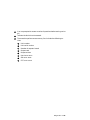
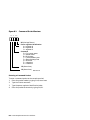
To view the diagnostic LEDs on a failing processor:
1.
Open the front door of the cabinet.
2.
Release the plate covering the modules by loosening the two top
screws.
3.
Remove the opaque plastic window covering the diagnostic LEDs on
the processor by pulling it out with your fingers.
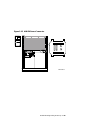
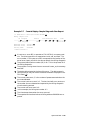
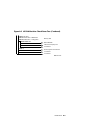
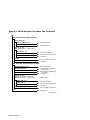
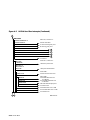
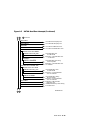
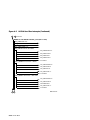
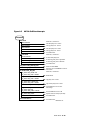
Section 2.5.1 describes the diagnostic LEDs on the processor module.
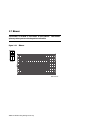
Memory Status LEDs
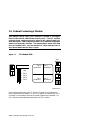
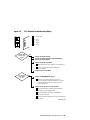
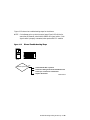
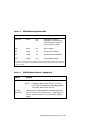
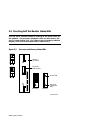
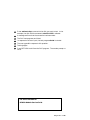
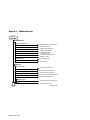
A memory module has two green LEDs: a self-test completed LED and a
power LED. The self-test completed LED lights when the module completes self-test. This LED is visible through the peephole on the module
enclosure. The power LED lights to indicate that power is present on the
module.
System Self-Test 2-25