1
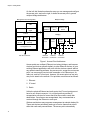
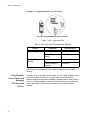
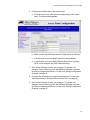
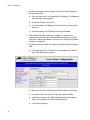
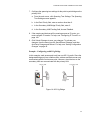
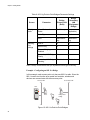
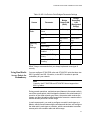
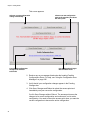
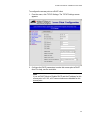
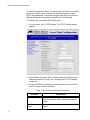
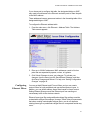
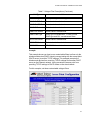
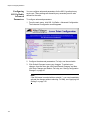
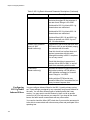
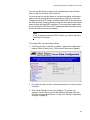
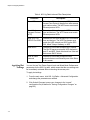
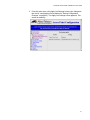
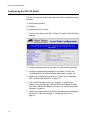
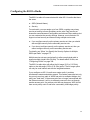
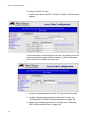
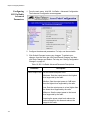
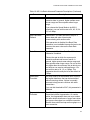
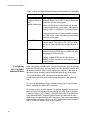
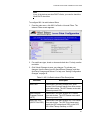
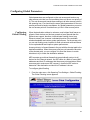
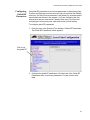
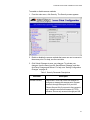
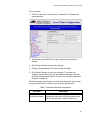
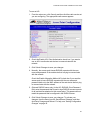
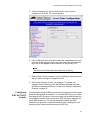
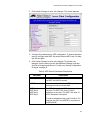
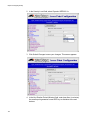
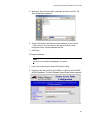
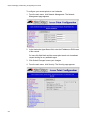
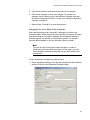
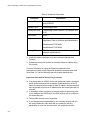
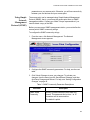
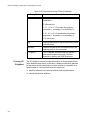
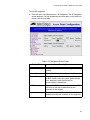
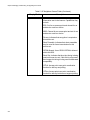
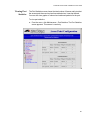
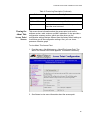
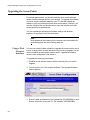
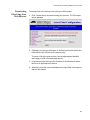
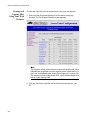
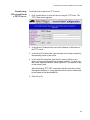
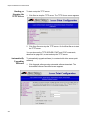
AT-WA7500 and AT-WA7501 Installation and User’s Guide Configuring the 802.11g Radio You can configure the 802.11g radio to communicate with other 802.11g and 802.11b radios that have the same: SSID (Network Name) Security For each radio, you can assign up to four service sets, creating one primary service set and up to three secondary service sets. Each service set shares the same Advanced Configuration and Inbound Filters settings, but you can customize the security settings. However, most clients do not support a mixed security environment using multiple service sets: If you configure security on the primary service set, then you should also configure security on the secondary service sets. If you do not configure security on the primary service set, then you cannot configure security on the secondary service sets. For details, see “When You Specify the Security Options for Multiple SSIDs per Radio” on page 175. Multiple service sets are used primarily to allow one physical radio to support multiple virtual LANs (VLANs). For details about VLANs, see “Configuring VLANs” on page 189. To configure the 802.11g radio 1. From the main menu, click 802.11g Radio. The 802.11g Radio screen appears. 101