1
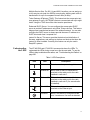
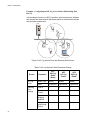
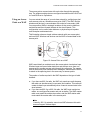
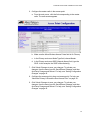
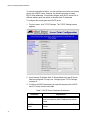
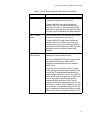
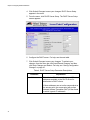
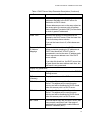
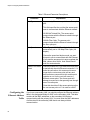
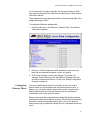
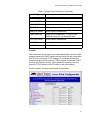
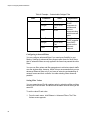
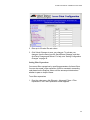
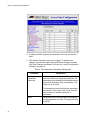
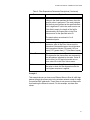
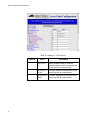
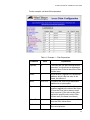
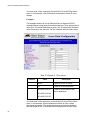
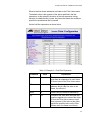
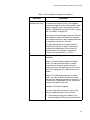
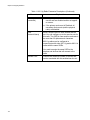
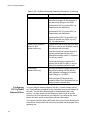
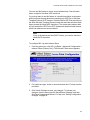
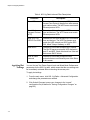
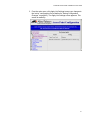
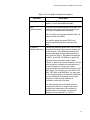
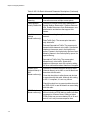
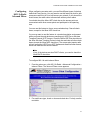
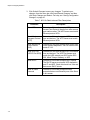
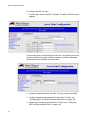
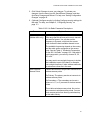
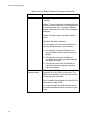
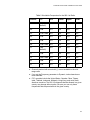
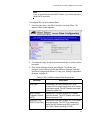
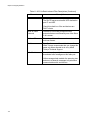
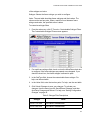
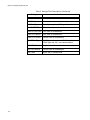
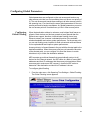
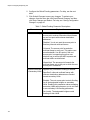
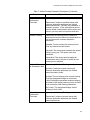
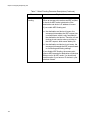
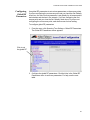
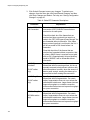
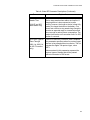
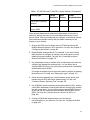
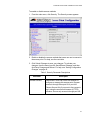
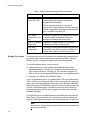
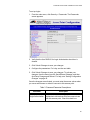
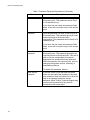
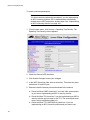
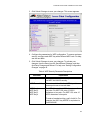
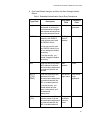
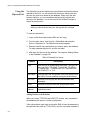
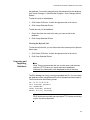
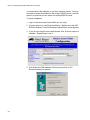
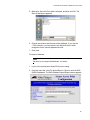
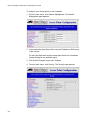
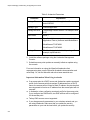
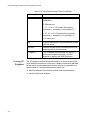
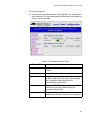
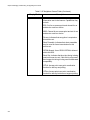
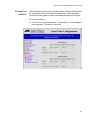
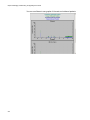
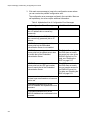
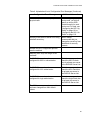
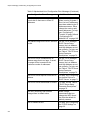
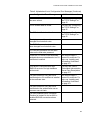
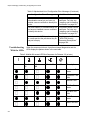
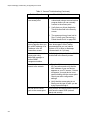
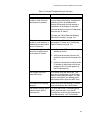
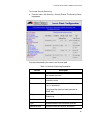
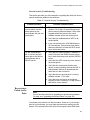
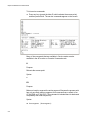
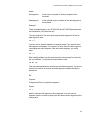
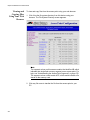
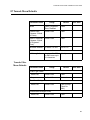
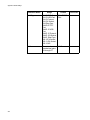
AT-WA7500 and AT-WA7501 Installation and User’s Guide To view the Security Events log From the menu, click Security > Security Events. The Security Events log appears. For help understanding the events, see the next table. Table 14. Security Events Log Description Column Description MAC Address Indicates the Ethernet MAC address of the device that caused the event. IP Address Indicates the IP address of the device that caused the event. Priority Indicates the priority of the event: Critical, High, Low, or Informative Critical and High priority events generate an SNMP trap. Trap? Specifies if the event generated an SNMPreliable trap. Count Indicates the number of times the event occurred. Type Includes details of the event that occurred. Additional Data Includes extra event-specific information. 261