1
Horus User Manual
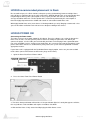
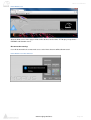
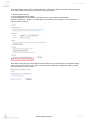
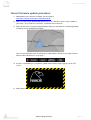
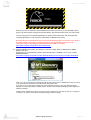
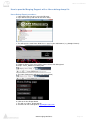
7) Your default web browser (Merging recommends Google Chrome for best results) should open
up on a firmware update page
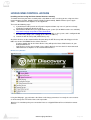
Note: If your web browser does not open on the firmware upgrade page, clear your browser history and
re-open the Horus page by Double Clicking on the “Horus in Maintenance Mode” entry in MT Discovery.
Note: Do not perform a Firmware upgrade if you plan to install Pyramix v8 simultaneously. Proceed only
with one at a time.
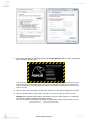
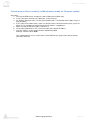
8) Click on “Select File” and choose the file (.bin) that you have previously unzipped on your disk
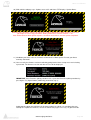
9) Click on “Update Device” (after a while, you will see some messages on the TFT screen).
Warning: During update do not update your browser (refresh), until the process is completed.
The Firmware update should take from 3 to 5 minutes.
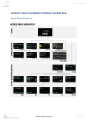
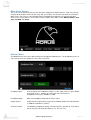
You can see progress indicated at the bottom of your Browser Page and on the Horus screen
www.merging.com/horus
Page 68