1
E
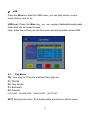
USB
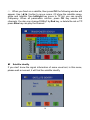
Press the Blue key enter the USB menu, you can play stream, movie,
music picture, and so on.
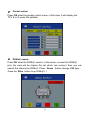
USB tool: Press the Blue key, you can rename &delete&move&create
folder disk info or format the disk.
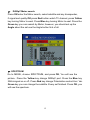
Help: press the red key you can find some info and operation about USB
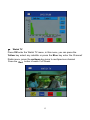
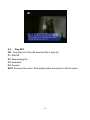
A-1 : Play Movie
OK: View play list / Play the selected file in play list
F1: PAUSE
F2: Play the file
F3: Backward
F4: Forward
[UP]:JUMP [DOWN]:HIDE
[MENU]:INFO
[EXIT]:EXIT
EXIT: Exit play list menu / Exit playing state and return to file list menu
15