1
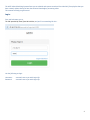
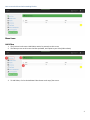
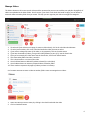
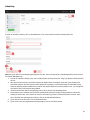
1. If you need to crop your videos, click on Custom Settings. We’ll discuss Custom Settings later on, as it’s for
Advanced Users, and most of you won’t need this feature.
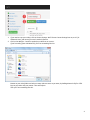
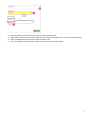
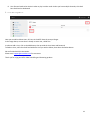
2. Click on the Add files… button to upload your videos to our servers:
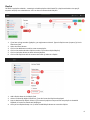
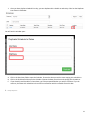
If you’re working from a Windows PC, you’ll see something like this:
Browse to your video folder and select as many videos at once as you want, by holding down the Shift or CTRL
keys as you select with your mouse. Then select Open.
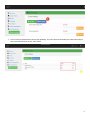
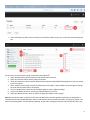
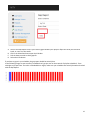
Then you’ll see something like this:
4