1
PHOTOMOD 6.0
Processing of UAS data
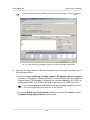
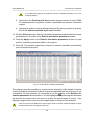
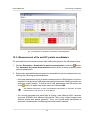
• to create a grid for the whole images block without defining its boundaries, select
Grid › Properties, specify its parameters and click OK. Grid is created automatically
for the entire block and the grid boundary passes over external boundary of block
images.
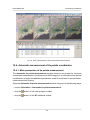
When a grid boundary is defined the program creates a grid of nodes with specified or
default parameters.
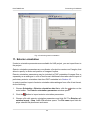
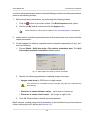
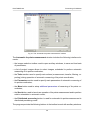
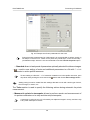
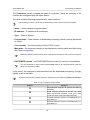
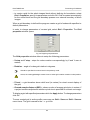
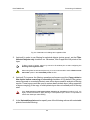
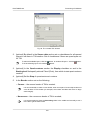
In order to change parameters of created grid, select Grid › Properties. The Grid
properties window opens.
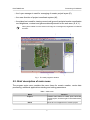
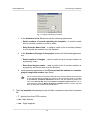
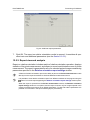
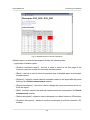
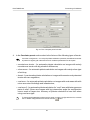
Fig. 49. Regular grid parameters
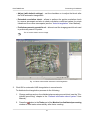
The Grid properties window allows to setup the following parameters:
• X step and Y step – steps for nodes creation correspondingly by X and Y axes in
meters;
• Rotation – angle of nodes grid rotation in degrees;
Should be specified for manual work in the pathway mode.
At that, the nodes grid only is rotated. Area of nodes grid creation remains in initial position.
• Z level – a grid elevation above relief level (in meters) for visual correct display of
the grid;
• Ground sample distance (GSD) – shows a value of average pixel size in meters, if
a project contains adjustment results or pixel size is specified for at least one image.
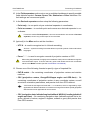
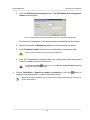
To display a grid with specified parameters click the Apply button. To change parameters
click OK.
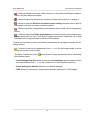
To save created grid in active profile resources use Grid › Save and Grid › Save as
menu items. The grid is saved to the *.x-grid file.
85