1
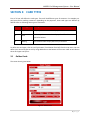
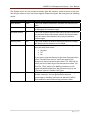
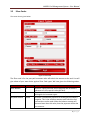
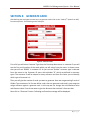
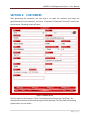
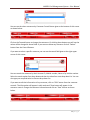
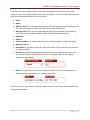
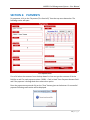
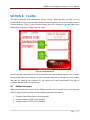
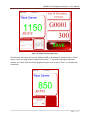
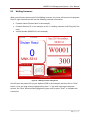
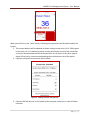
AARSOL Fuel Management System – User Manual SECTION 8: FILLING The most frequently used menu option will be “Filling”. When the filler will login into the system he will see this screen as other above mentioned options are only for the administrator. For administrator “Filling” is the first menu button from left. Following screen will open when administrator will select “Filling” from the menu: Figure 15 : Filling Main Screen You can see there are two fields on the screen which are commented with green color. In above field you will enter the customer ID either through Keyboard or through Bar Code Reader Machine. On entering the customer ID, the system will check automatically the type of customer (Golden, Silver etc) as follows: 8.1 Golden Customers When you will enter the account ID of a Golden customer, the cursor will move to the payment field. On right hand side you will see the following customer information: •
•
•
Customer Name (Raza Sarwar in this example) Customer Balance (1150 in this example) Vehicle Number (JG‐512 in this example) 18 | P a g e