1
User Manual
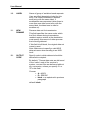
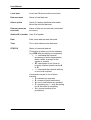
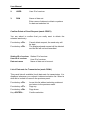
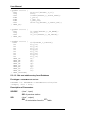
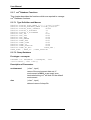
2.
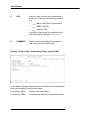
USER
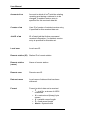
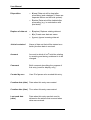
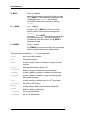
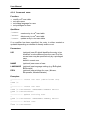
User ID of receiver
3.
DSN
Name of data set
Enter name of data set or blank or pattern
for data set selection list
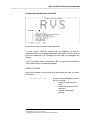
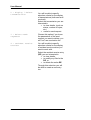
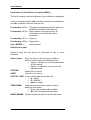
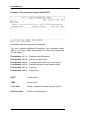
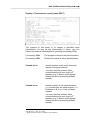
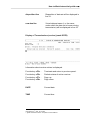
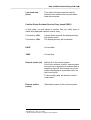
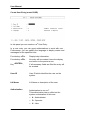
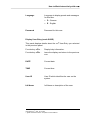
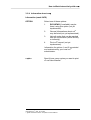
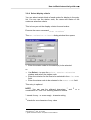
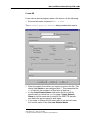
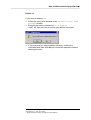
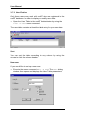
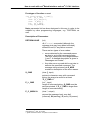
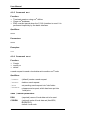
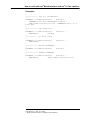
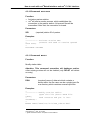
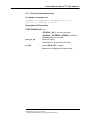
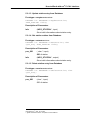
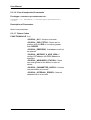
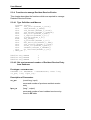
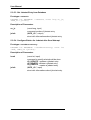
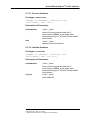
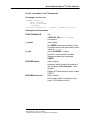
Confirm Delete of Send Request (mask CDSE1)
You are asked to confirm that you really want to delete the
selected send entry.
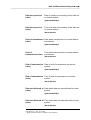
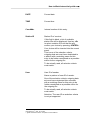
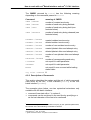
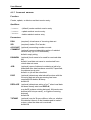
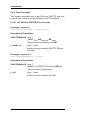
Functionkey <F3> :
Cancel delete request; the send entry will
be kept.
Functionkey <F5> :
The displayed send request will be deleted
and the file will not be transmitted.
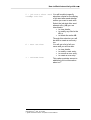
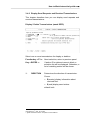
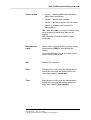
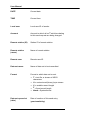
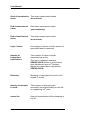
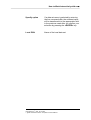
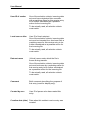
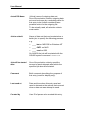
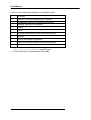
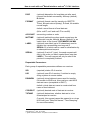
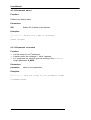
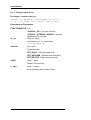
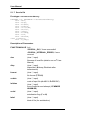
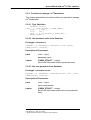
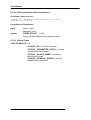
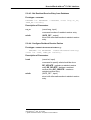
Station ID of receiver Station ID of receiver.
User ID of receiver
User ID of receiver.
Data set name
Name of data set to be sent.
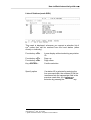
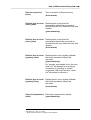
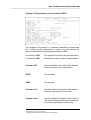
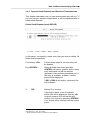
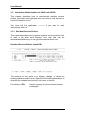
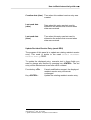
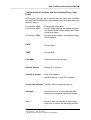
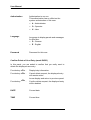
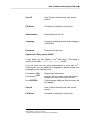
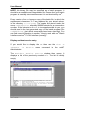
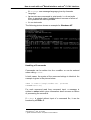
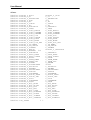
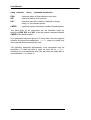
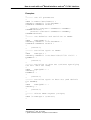
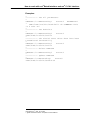
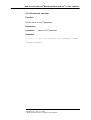
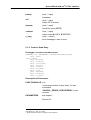
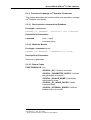
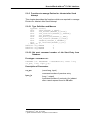
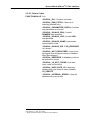
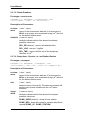
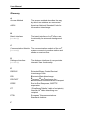
List of Data sets for Transmission (mask DSNL)
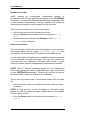
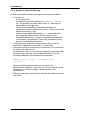
This panel lists all available (local) data sets for transmission. It is
displayed whenever you request a data set selection list. Select a
data set to include its name in the previous panel.
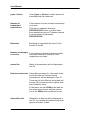
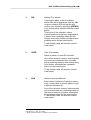
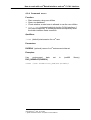
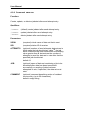
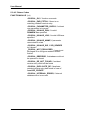
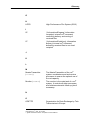
Functionkey <F3> :
Leave this list without selecting a data set
and return to the previous mask.
Functionkey <F7> :
Page up.
Functionkey <F8> :
Page down.
Key <ENTER> :
Confirm selection.
58