1
DEPARTMENT OF AUTOMATION AND INSTRUMENTATION
Faculty of Electrical Engineering and Communication
Brno University of Technology
PC application
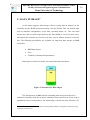
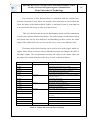
The PC application is really easy to use for the user, the application guides
the user through the process in a friendly way. When the application is executed, a
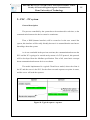
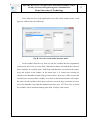
window like the following appears:
Figure 50. Window to connect to the PLC
Here, the user has to insert the IP address type 4, for example 127.0.0.1 and
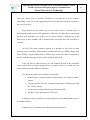
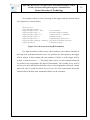
the number of the port where it has to connect. If the parameters have been correctly
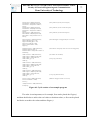
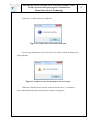
inserted and the connection was possible, a boxdialog is shown:
Figure 51. boxDialog showing an error
74