1
DISBURSEMENTS
105
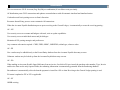
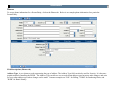
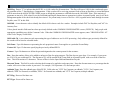
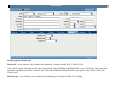
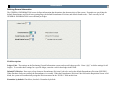
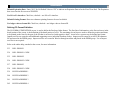
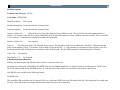
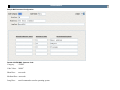
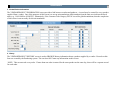
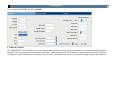
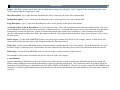
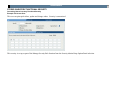
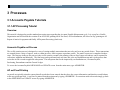
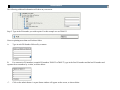
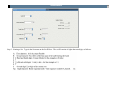
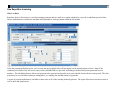
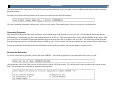
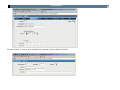
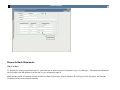
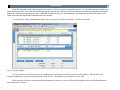
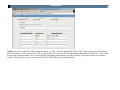
Default Expiration Date: Enter “NO” for No Default Value or “FE” to indicate an Expiration Date to be the Fiscal Year End. The Expiration
date is used on the first screen of POUPPR.
Use PO to FA interface: Check box, checked = use PO to FA interface.
Default Printing Format: Enter two-character printing format to be used as default.
Use ledger codes as format ID: Check box, checked = use ledger codes as format ID.
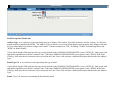
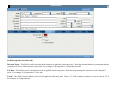
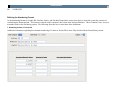
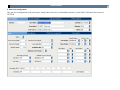
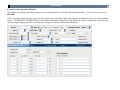
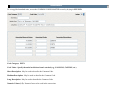
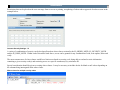
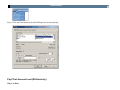
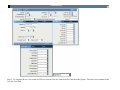
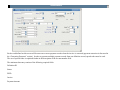
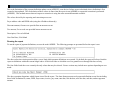
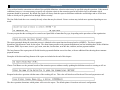
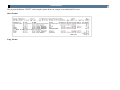
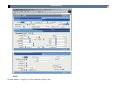
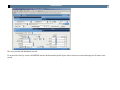
Defining PO Format Definition
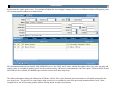
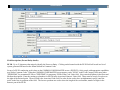
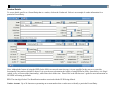
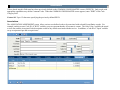
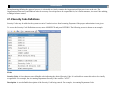
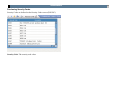
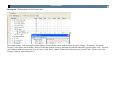
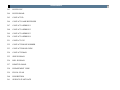
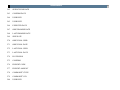
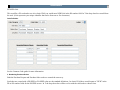
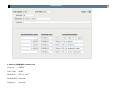
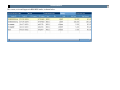
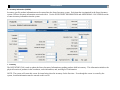
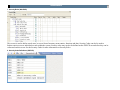
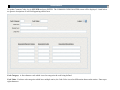
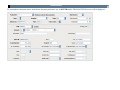
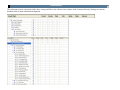
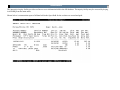
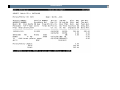
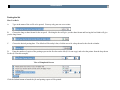
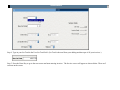
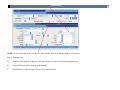
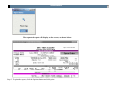
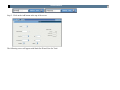
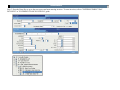
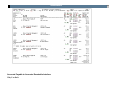
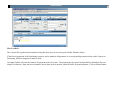
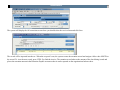
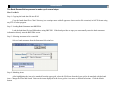
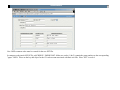
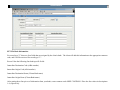
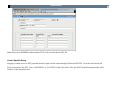
The PO FORMAT DEFINITION screen is used to define the Purchase Order format. The first line of information, or the first ten boxes in the
detail portion of the screen, is the definition of the detail portion of a PO. The remaining eleven lines are used to define the position and items
to be printed on the lines for the part of the PO that is not involved with repetitive detail. A total of two screens may be defined per format.
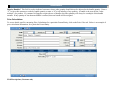
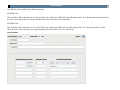
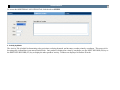
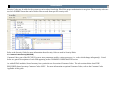
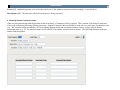
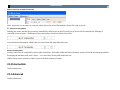
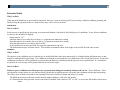
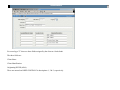
Import text files are created to add additional supporting text to individual Purchase Orders. Import text files must be an ASCII 80-character
file and stored in the PERM group. Import text files are created in Word or through an editor and placed in the PERM group. Use of import
text files is not required.
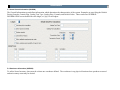
Refer to the online help, attached to the screen, for more information.
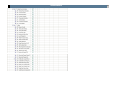
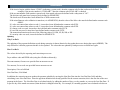
233
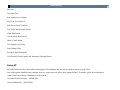
BILL PHONE 1
234
BILL PHONE 1 CODE
235
BILL PHONE 2
236
BILL PHONE 2 CODE
237
BILL PHONE 3
238
BILL PHONE 3 CODE
239
BUYER ADDRESS 1
240
BUYER ADDRESS 2
241
BUYER ADDRESS 3
242
BUYER ADDRESS 4