1
DISBURSEMENTS
62
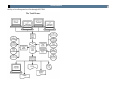
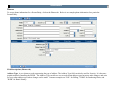
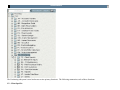
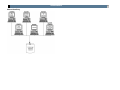
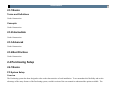
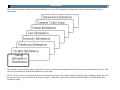
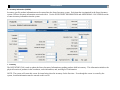
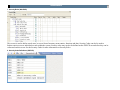
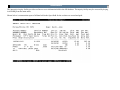
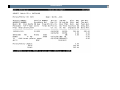
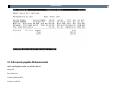
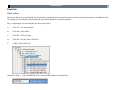
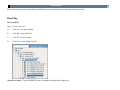
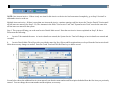
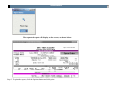
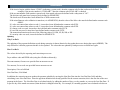
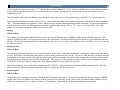
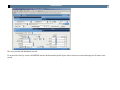
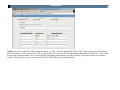
IQ - Interactive Inquiry: These are character-based programs that display information on screen, with an option to print screens if required.
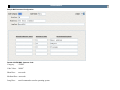
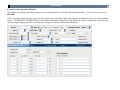
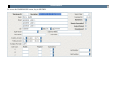
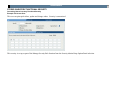
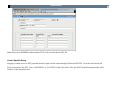
Displays individual screen information associated with an order.
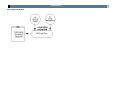
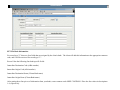
MA – PO Maintenance: These options are used to process global updates associated with the Purchasing database.
CP – Copy Purchase Requests: This process allows an entire Purchase Request or PurOrder to be copied in its entirety to a new number.
DS – Distribute (Copy) POs:
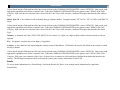
DE – Disencumber Selected POs: This allows a single or group of Purchase Requests or Purchase Orders to be disencumbered or cancelled
interactively.
CS – Create Select File:
RS – Report Selected Entries:
US – Update POs from Selected File:
ER – Erase Purchasing Info:
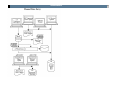
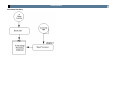
PO – Print Purchase Orders: This process allows multiple Purchase Requests or Purchase Orders to be printed at one time.
PQ – Print Quotations: This process will print a copy of a single Purchase Request to all Vendors specified at print time.
PW – Print Worksheets: This process prints a hard copy of a Purchase Request for internal use.
RE – Reports: This process provides lists of all Purchasing information that can then be printed as a hard copy.
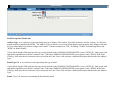
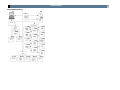
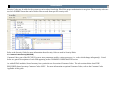
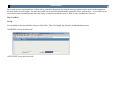
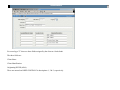
UP – Update: This function is used to add, change or delete information held within the Purchasing subsystem. Most information is updated
interactively, but changes to a Purchase Order must be re-printed to update the Encumbrance database.
GN – General Information:
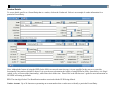
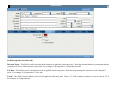
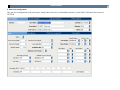
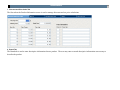
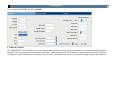
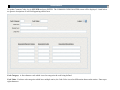
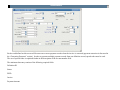
PR – Purchase Requests: This process is used to create or change data associated with an Order. Once a Request has been printed and a PO
number is assigned, this is the update function used to change the Purchase Order details.
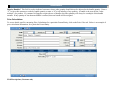
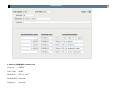
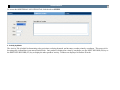
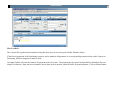
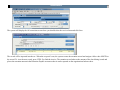
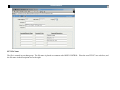
RC – Receiving Information: This screen is used to record the receipt of items on a PurOrder. This is the process that can optionally
interface information into the Stores Inventory or Fixed Assets databases.