1
GasAlertMicro 5
User Manual
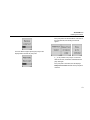
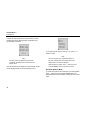
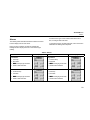
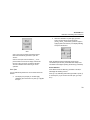
Press G or H to select a sensor and press C to enter its
menu. The following information is available for your
configuration:
•
Enabling/disabling a sensor;
•
Setting the span gas value;
•
Adjusting the STEL period (not applicable to LEL and
O2 sensors);
•
Selecting the TWA method (not applicable to LEL and
O2 sensors);
•
Resolution setting (not applicable to CO, LEL, and O2
sensors);
•
% vol CH4 (LEL sensor only);
•
Selecting the correction factor (LEL and PID sensors
only); and
•
Automatic calibration (O2 sensor only).
22
Enable/Disable a Sensor
a Warning
Disabling an installed sensor configures the
detector to a 1, 2, 3, or 4-gas unit. No protection
is now provided for the gas targeted by that
sensor(s). Disabling a sensor should be
performed with extreme caution.
In the event a sensor fails, disabling the sensor turns off the
sensor fail alarm. The sensor should be replaced and
enabled as soon as possible.
The detector will function normally with the remaining
enabled sensors. The sensor may be enabled again at any
time.
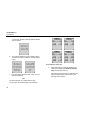
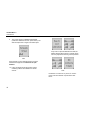
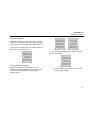
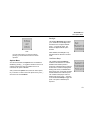
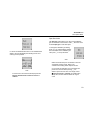
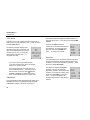
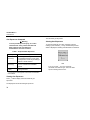
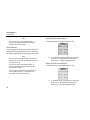
Once a sensor’s menu is entered, the first setting allows you
to enable or disable the sensor. All sensors are enabled upon
shipment (as shown by a check in the checkbox). Once the
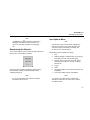
cursor is beside Sens on, press C to toggle the option. If a
sensor is disabled, it can no longer be viewed on the display
during normal operation.