1
CHAPTER 5: ADMINISTRATION TOOLS
121
Upgrade CommandCenter
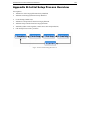
Note: If you are operating a CommandCenter cluster, you must remove the cluster first
and upgrade each node separately.
1.
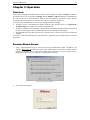
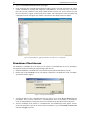
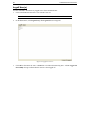
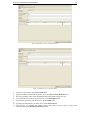
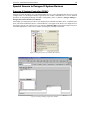
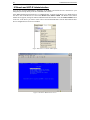
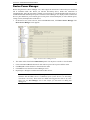
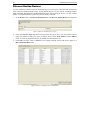
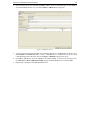
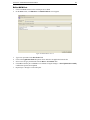
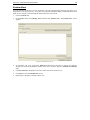
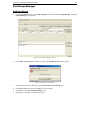
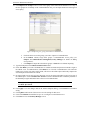
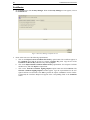
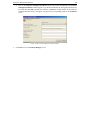
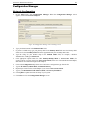
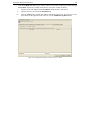
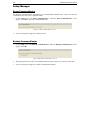
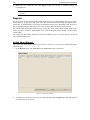
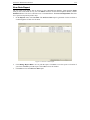
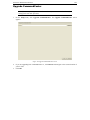
On the Setup menu, click Upgrade CommandCenter. The Upgrade CommandCenter screen
appears.
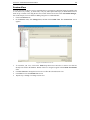
Figure 159 Upgrade CommandCenter Screen
2.
3.
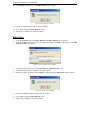
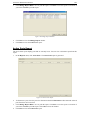
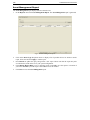
If you are upgrading from CommandCenter 2.1, click Browse and navigate to the current location of
your CC files.
Click OK.