1
Operation Example
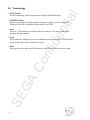
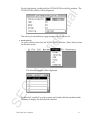
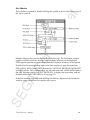
• Voice Window Setup Items
nti
al
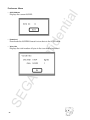
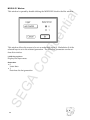
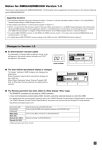
The Voice window setup items are:
- Voice name
- Bend range
- Portamento time
- Volume bias
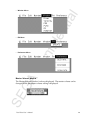
- Play mode
Except for play mode, these item settings can be changed by clicking the number.
For play mode, a pop-up menu is displayed.
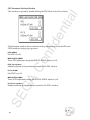
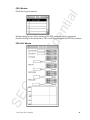
1. Enter the Number of Voices
nfi
de
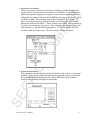
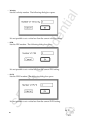
Double-click the voice name to display a dialog box enabling the voice name
to be changed. The default filename for the first new file created is “untitled0”.
Double-click the name to display the dialog box, and enter any desired
name. Managing the voices later may be simplified by assigning a name
appropriate to the tone you create. Click the OK button to accept the name
change and close the dialog box. The new name just entered should be
displayed in the voice name area. The next step is to create the tone.
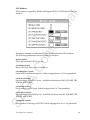
2. Set the Number of Layers
GA
Co
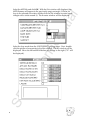
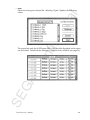
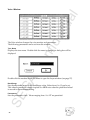
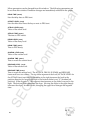
Double-click the number before the voice name to display the dialog box for
setting the number of layers.
SE
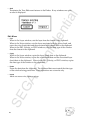
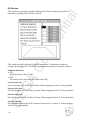
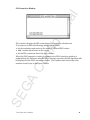
Enter the number of layers as done for the number of voices. Enter “1” now.
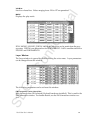
The Layer window will be displayed.
Again, only one line will be displayed because there is only one layer; the
number of layers can be changed later.
6