1
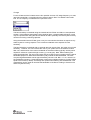
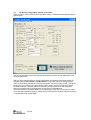
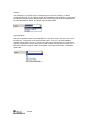
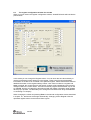
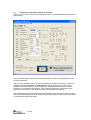
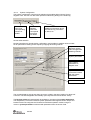
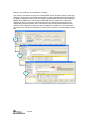
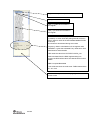
The controls display a tool-tip text when the cursor is held in the same position for about half
a second. This text disappears automatically upon keyboard and mouse button activity.
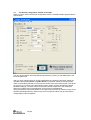
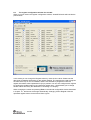
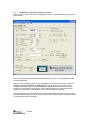
The Register values will automatically be updated on changes of the system parameters.
This simplifies the conversion between system parameters and register values. TX Test
modes and Packet RX and TX configure the CC2520 for its different operation modes, using
the common system parameters combined with parameters from the active mode.
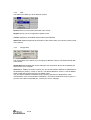
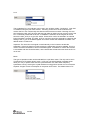
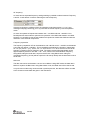
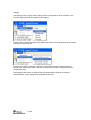
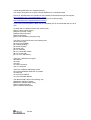
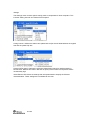
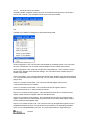
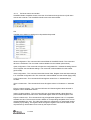
The available modes are:
TX Test modes:
Configures CC2520 for constant TX mode. These modes are suitable for measuring RF
parameters.
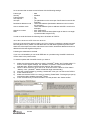
Packet RX/TX:
Configures CC2520 for buffered RX/TX operation. Random hexadecimal strings or text can
be transferred from one chip to another. CRC errors and lost packets are reported for the
receiver. All received packets can be dumped to file if so desired.
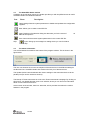
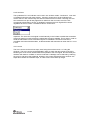
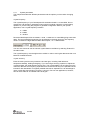
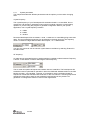
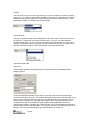
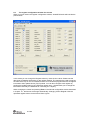
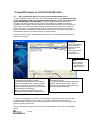
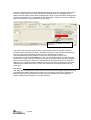
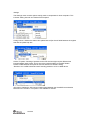
Manual init:
The check box for “Manual init” can be used to ensure that current register settings will not be
overwritten with default values when starting one of the test functions. If any registers has
been manually set in the Register View, this check box should be checked to keep the
register settings when starting one of the test functions.
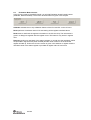
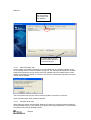
Range extender:
The Range extender mode is only applicable with the CC2591 and CC2590 Combo Board.
The Combo Board is an Evaluation Module that combines both a CC2520 and the front end
CC2591 or CC2590.
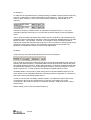
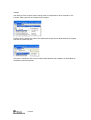
The checkbox “CC2591” is only used to make SmartRF Studio aware of the fact that a
Combo Bard is used. SmartRF Studio has no other means to know that a Combo Board is
connected. When “CC2591” is selected it can bee seen that the RF output power changes.
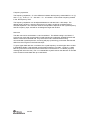
The check box for “High Gain Mode” can be used to reduce the LNA gain. See Data Sheet for
further details.
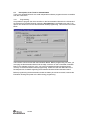
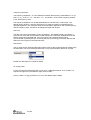
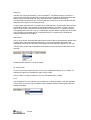
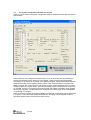
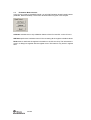
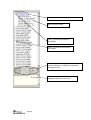
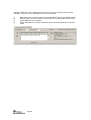
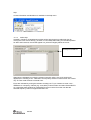
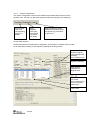
Register View selection
The register view allows for manual configuration and operation of the CC2520. Please note
that parameter changes made in this view could lead to a non-valid configuration. Such errors
will, however, not affect Normal View.
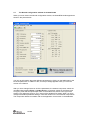
It is recommended that you always begin the configuration in Normal View, and then transfer
the settings to Register View and the device by clicking the Copy and Write buttons. The
necessary changes can then be made with a highly reduced risk of introducing errors.
112/122