1
9 RS232 Operation
9.1 Network Connection
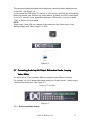
Before serial port operation, connect the matrix device with the DVR through the
RS232 port. Now, set the DVR’s serial port protocol to the corresponding matrix
device protocol.
Note: Contact your local retailer to confirm whether the DVR supports matrix protocol
or not.
9.2 Keyboard
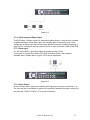
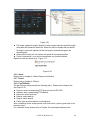
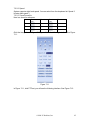
The control keyboard is very convenient for multi-DVR control, menu options and
PTZ control. Select keyboard control from the system setting
RS232
function,
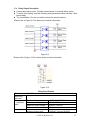
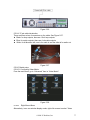
and then set the corresponding baud rate. Connect the DVR RS232 port to the
converters DSub 25-pin RS232 port, and finally specify proper control addresses for
all connected DVRs (Navigate from Main MenuSettingsGeneral). Now you are
able to input the DVR control address and use the keyboard keys to control menu
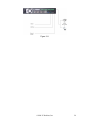
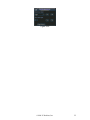
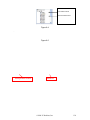
items, or any PTZ. See Figure 9-1.
Note:The keyboard works only when ACT light is on.
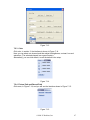
Figure 9-1
©2009 IC Realtime, Inc.
131