1
Befor Using the Projector
®
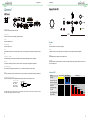
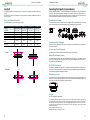
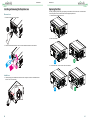
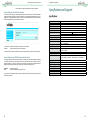
AC Outlet
Before Using the Projector
®
Turn On
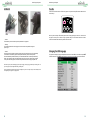
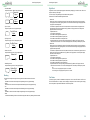
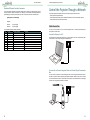
Press ON on the remote control or STBY on the projector. The power and lamp LED indicator flashes blue to
show warm-up.
USA
Europe
China
• Caution:
Ensure that the power net meets the power requirements of the projector.
When the power and lamp LED indicator lights are blue and the projector light is turned on, this mean that
the projector is ready for use. Refer to Page 9 [Indicator LED] if the LED indicator flashes red. Please
contact the Vivitek licensed dealer if the problem cannot be solved.
• Warning:
Do not attempt operation if the AC supply and cord are not within the specified voltage and
power range.
• Caution:
Once the projector is switched to standby, the lamp cooling fans will continue to run for approximately
five minutes to ensure that the projector and lamp have sufficiently cooled, at which point the
fans will automatically decrease to standby. To avoid thermal stress that can lead to premature lamp
failure, never unplug the power cord while the lamp cooling fans are running. Never unplug the power
cord to power down the projector, first switch off the power switch and then unplug the power cord.
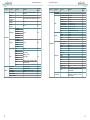
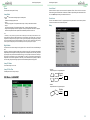
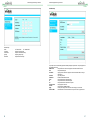
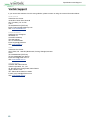
Changing the OSD Language
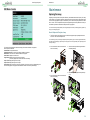
The projector can display English and Simplified Chinese menus. Press MENU to show OSD and press ▲▼
to select control items. Press ▲▼ to select language you want to use. Press Enter to confirm the selection.
Make sure the power system (including the projector and power supply system) is properly grounded before connecting to the AC
power. The projector may be damaged without the grounding circuit.
This is a high-brightness and high-watt projector. Do not modify the AC power cord or replace the power cord arbitrarily to avoid
causing damages to the projector or safety problems.
18
19