1
13.
Ticket Summary Report
13.1
13.1. Report Header
Choose Report
13.2
Field
Rotation
Owner
Ticket
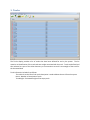
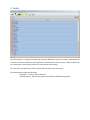
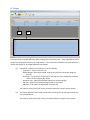
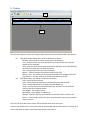
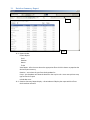
View Report - after the user selects the appropriate filters click this button to populate the
desired report summary.
Rotation – user select the year from the dropdown list
Crops – this dropdown will show the data from the crop list tab. Users must pick one crop
type to filter the report
Field – this is a list of all of the entered field data. Users can choose All or select and
individual field.
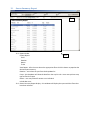
Include Non-zero 13.2. Ticket Summary Report display – this windows will display the report with the filters that
have been selected