1
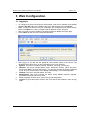
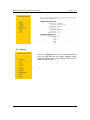
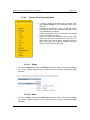
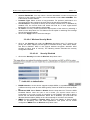
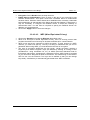
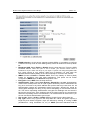
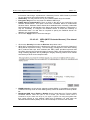
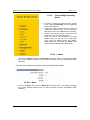
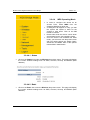
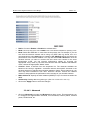
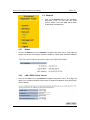
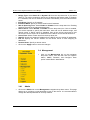
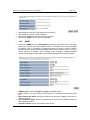
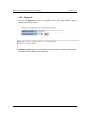
Multi-Function Gigabit Wireless-N Client Bridge 3.2.4.5 Version 1.0 Repeater Operating Mode In order to configure the device as an Access Point, select Repeater from the Operating Mode drop-down list. A dialog box will appear to notify you that the system will restart in order for the change to take effect. Click on the OK button to continue. Please wait while the device counts down and restarts into the new operating mode. Once the device has restarted into Repeater mode, you will see a new drop-down menu with eight options which are: Status, Basic, Advanced, Security, Filter, WPS, Client List, and WMM. Each of the options is described in detail below. 3.2.4.5.1 Status Click on the Status link under the Wireless drop-down menu. This page will display the current wireless settings such as SSID, Channel, Security and BSSID (MAC address) 39