1
PINsafe Manual
December
2006
[Root exception is java.net.NoRouteToHostException: No route to host]
Indicates the server could not be reached.
Once you have confirmed that you can connect to the AD server; you need to set up the
repository groups.
4 Configure Groups
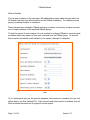
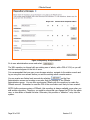
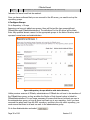
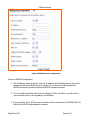
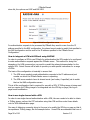
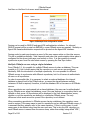
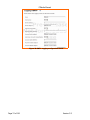
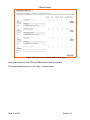
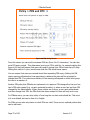
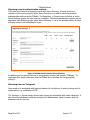
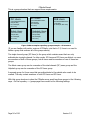
Go to Repository > Groups
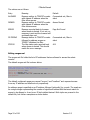
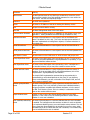
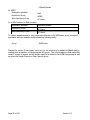
Assuming you have not added new groups, there will be just the two groups defined:
PINsafeUsers and PINsafeAdministrators. The definitions for the AD server will be blank.
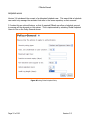
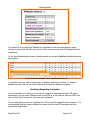
Enter fully-qualified domain names for the appropriate groups in the Active Directory which
represent normal users and administrators.
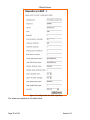
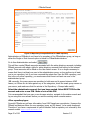
Figure 16.Repository Groups definition with Active Directory
Unlike previous versions of PINsafe, administrators of PINsafe do not have to be members of
the PINsafeUsers group, as long as either the Single or Dual channel option is ticked for
PINsafeAdministrators. It is no longer necessary to ensure that there is at least one user in
the administrators group, as long as there is at least one in one repository, but if you have
removed the admin user from the XML repository, and this is the only other repository, you
must ensure that there is at least one user in the administrators group.
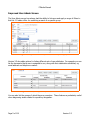
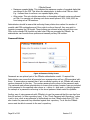
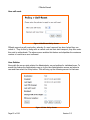
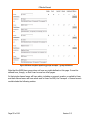
Go to User Administration and select
Page 36 of 101
.
Version 3.5