1
MEDIA RELEASE
FOR IMMEDIATE PUBLICATION
26 March 2013
iTrack
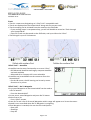
• iTrack is a new term designating an i-Pilot® Link™ compatible track
• iTracks are displayed on the Humminbird® along with the current track
• iTrack recording can be initiated from the remote or the fishfinder
– If your trolling motor is not powered up, you will still be able to record an iTrack through
your Humminbird®
– Up to 50 iTracks can be stored on the fishfinder, and up to 16 on the i-Pilot®
• iTrack length is up to 3.2 kilometres
i-Pilot® Link™ – AutoPilot
• AutoPilot has the same functionality as current i-Pilot®
– GPS Advanced AutoPilot and Legacy compass AutoPilot
are both available
– Advanced AP or Compass AP is user selectable
• AutoPilot can be enabled from the remote or from the
Humminbird®
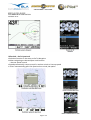
– On the HB screen, the AP bearing can be set by motor
direction or by cursor
i-Pilot® Link™ – Go To Waypoint
• Any stored Waypoint on the Humminbird® can be used as
a Go To location
– From the Humminbird®
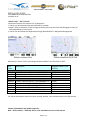
• Cursor over a stored Waypoint and press Go To button
• Select from a list
– From i-Pilot® remote
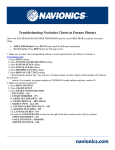
• Press Go To and a list of all stored Waypoints within range will appear as a list on the screen
• Speed is user controlled when Go To Waypoint is navigating
• Once Waypoint is reached, the user has 3 Arrival Options
– Spot-Lock
– AutoPilot
– Prop Off
Page 2 of 4