1
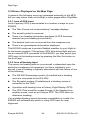
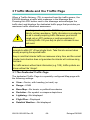
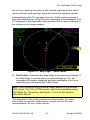
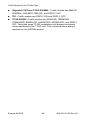
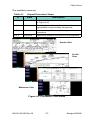
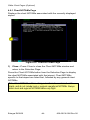
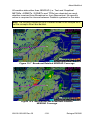
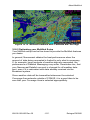
CMax Chart Page
1
2
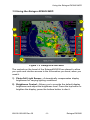
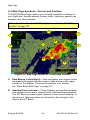
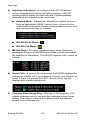
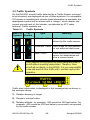
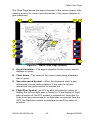
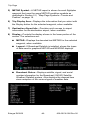
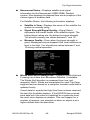
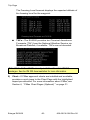
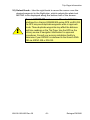
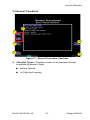
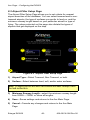
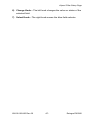
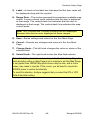
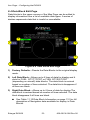
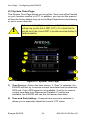
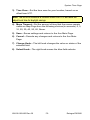
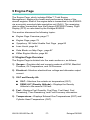
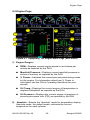
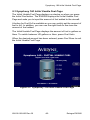
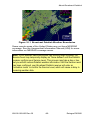
Figure 4.2 CMax Chart Page (Procedure)
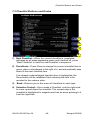
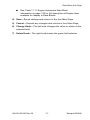
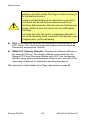
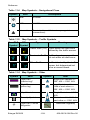
1) Flight Plan—The flight plan is overlaid on the Plan View when
you select the flight plan display option (on Selection Page) and
the chart is geo-referenced. If a flight plan does not display,
check that you selected the correct airport and approach.
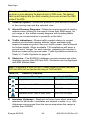
2) Flight Plan Active Leg—The active leg of the current flight plan,
if displayed, is magenta. Non-active legs are shown in green.
Note: The ownship symbol on the Chart page is always oriented
according to the current GPS ground track. Therefore, the ownship is
always pointed in the direction the aircraft is moving, and does not
show any crab angle induced by crosswind components.
Note: For a flight plan to be displayed on a given chart there must be a
waypoint on that chart in the flight plan. For example, a direct flight plan
from KBED to KLAX passes over KEMT. If you bring up KEMT charts,
the KBED-KLAX flight plan will not display. To display the flight plan
over KEMT, a waypoint on an approach for KEMT must be included in
the flight plan.
600-00136-000 Rev 00
-35-
Entegra EX5000