1
9.
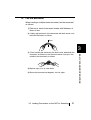
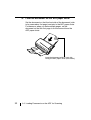
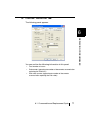
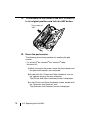
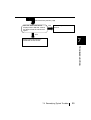
Reset the pick counter.
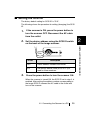
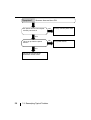
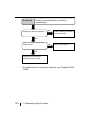
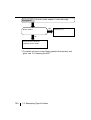
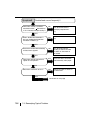
The following shows the procedure for resetting the pick
counter.
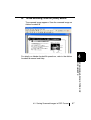
• For Windows® 98 / Windows® Me / Windows® 2000 /
Windows® XP
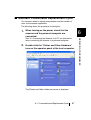
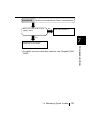
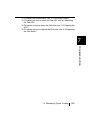
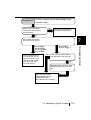
1) When turning on the power, check that the scanner and
the personal computer are connected.
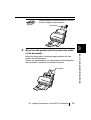
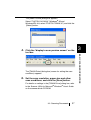
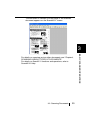
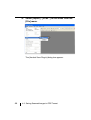
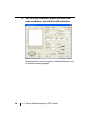
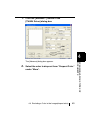
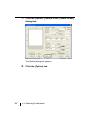
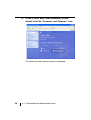
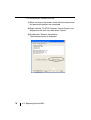
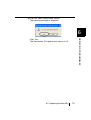
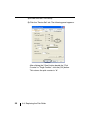
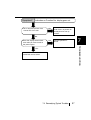
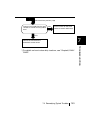
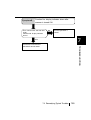
3) In the [Printers and Other Hardware] screen, double
click the "Scanners and Cameras" icon.
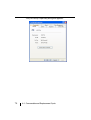
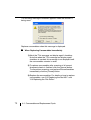
The [Scanners and Cameras] screen is displayed.
6.3 Replacing the Pick Roller
87
REPLACING CONSUMABLES
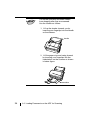
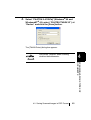
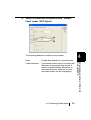
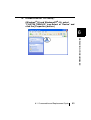
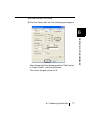
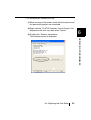
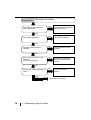
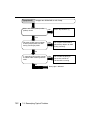
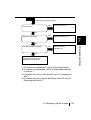
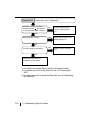
2) Double click the "Printers and Other Hardware" icon on
the operator panel of the host computer.
The [Printers and Other Hardware] screen is displayed.
6