1
Troubleshooting
Technical Documentation
Image Centering
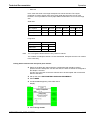
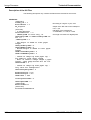
To position the image correctly on the paper, there are a few parameters that can be
modified in the display of the FOCRT unit. They have to be reentered upon a Download
of the Software.
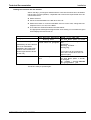
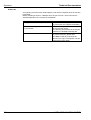
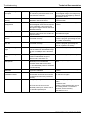
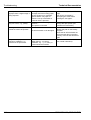
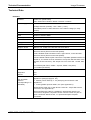
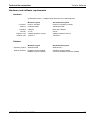
Parameter
Image size trim
Top margin trim
Left margin trim
Description
Length correction of the print
Position correction of the print tip
Position correction of the print crosswise to the
paper transport direction
Default value
1000 / 1000
0
0
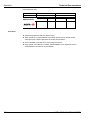
The following order should be kept for the adjustment:
1. Image size trim
2. Top margin trim
3. Left margin trim
Determination of Image Size Trim
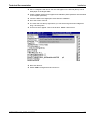
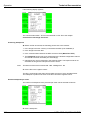
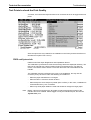
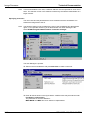
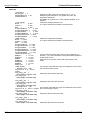
q Enter the default value 1000 for CO Image Size Trim via the display of the FOCRT
unit:
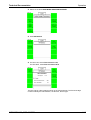
4 MENUS
3 SYSTEM MENUS
1 SYSTEM SETUP
3 SYSTEM TRIMS
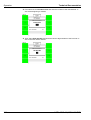
Enter the value with the keys 1 LESS or 2 MORE.
Press 4 RETURN to get back.
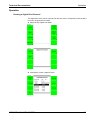
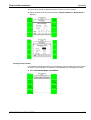
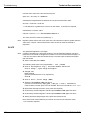
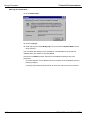
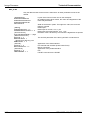
q Click „Activate AG850 Functions“ in the IP program
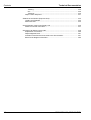
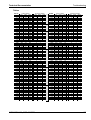
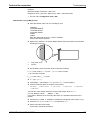
q Print the grid pattern
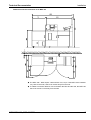
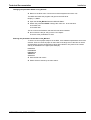
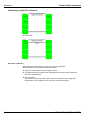
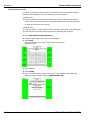
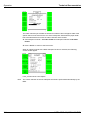
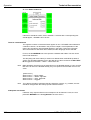
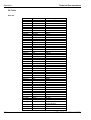
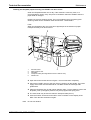
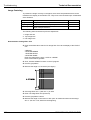
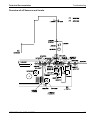
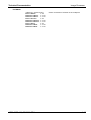
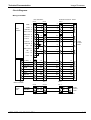
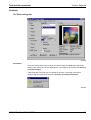
q Measure the length L of 40 boxes (see figure)
q CO Image Size Trim = (254 mm / L) X 1000
q Enter CO Image Size Trim (as above)
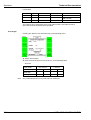
q Print the grid pattern 5 times
q Measure the length of 40 boxes on each print. All measured values should range
254 +/- 0,6 mm. If not, start from the beginning.
4.26
02.11.98 /PN 8102
AGFA MSC 100, MSC 200 DPU