1
3.3.4.1. One Way ANOVA
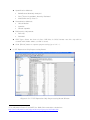
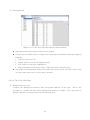
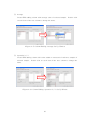
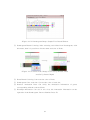
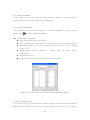
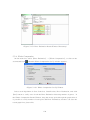
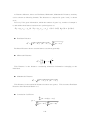
In One Way ANOVA[3-1], just select [DEG Finding] → [Multi-Class Test] → [One
Way ANOVA] on the menu bar. Parameter is similar to Welch’s T-test (Ref.: 3.3.3.2)
3.3.4.2. Kruskal-Wallis H-test
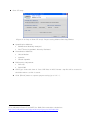
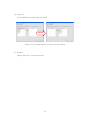
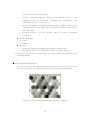
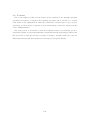
In Kruskal-Wallis H-Test[3-1], just select [DEG Finding] → [Multi-Class Test] →
[Kruskal-Wallis H-Test] on the menu bar.
Parameter is similar to Welch’s T-Test
(Ref.: 3.3.3.2)
3.3.5. Combine Results
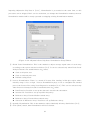
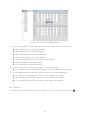
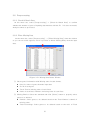
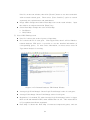
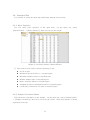
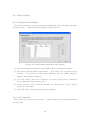
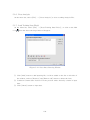
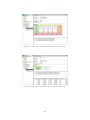
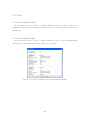
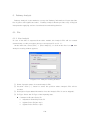
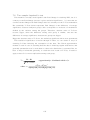
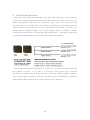
It is possible to combine genes of DEG Finding Results in various methods.
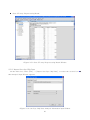
Select
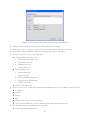
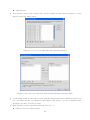
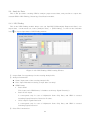
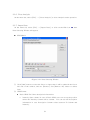
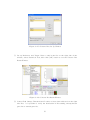
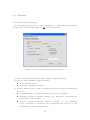
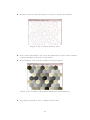
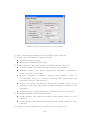
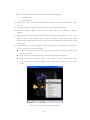
[DEG Finding] → [Combine Results] on the menu bar, then the set up window appears.
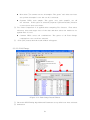
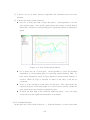
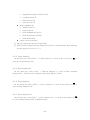
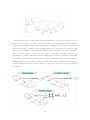
Select DEG Finding Results to be combined from the list, then click [Combine] button
to see the result. [AND], [OR], [Complement] operation is possible to figure out the
Intersection, Union and Complement of each list. For [Common Gene Count], it will
show gene list common in more than the user have set up from the result selected from
the list.
3.3.6. Import Gene List
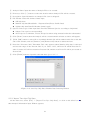
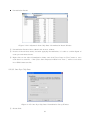
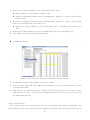
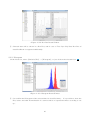
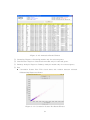
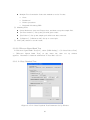
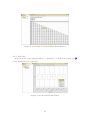
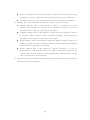
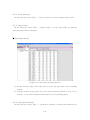
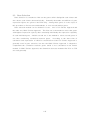
In case of the text file in form of gene ID input in each row, it is possible to input this
for the result of DEG Finding.
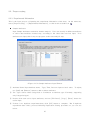
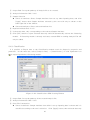
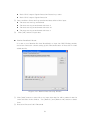
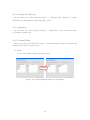
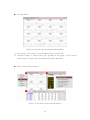
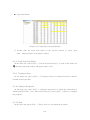
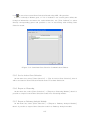
On the menu bar, select [DEG Finding] →[Import Gene
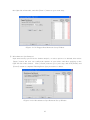
List], then the Data Selecting Window appears.
3.3.7. Export to Clustering Module
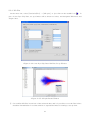
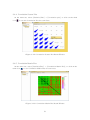
On the menu bar, select [DEG Finding] → [Export to Clustering Module], it is
possible to export various DEG Finding Results in to Clustering module.
3.3.8. Export to Pathway Analysis Module
On the menu bar, select [DEG Finding] → [Export to Pathway Analysis Module], it is
possible to export various DEG Finding Results in to Pathway Analysis module.
69