1
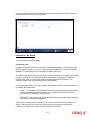
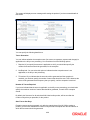
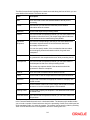
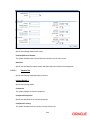
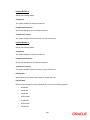
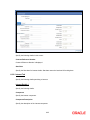
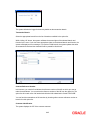
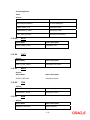
Our Charges Refused
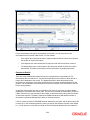
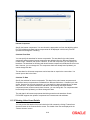
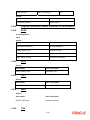
During liquidation of an incoming bill, the drawee may refuse to pay the drawers charges. Check
against this option to indicate the same.
Pass Interest to Them
Check this option to indicate that the drawer’s interest can be passed on to the drawee.
Their Charges Refused
During liquidation of an incoming bill, the drawee may refuse to pay the charges due. Check
against this option to indicate that the drawee has refused to pay the charges due.
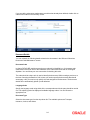
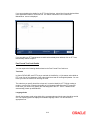
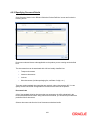
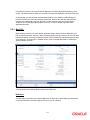
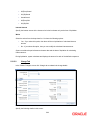
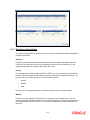
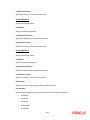
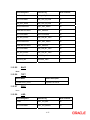
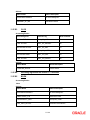
Cheque Details
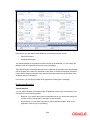
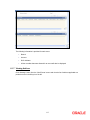
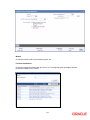
Enter the following details.
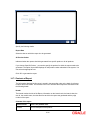
Check Number
In case the payment for the bill has been made by cheque, specify the cheque number here.
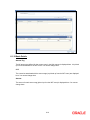
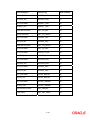
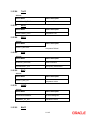
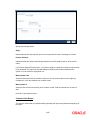
Contract Status
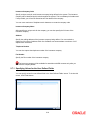
While defining a product, you have also specified the various stages or status that the bill should
pass through, if repayment is not made on the due date against a bill. These details are defaulted
to all the bills that involve the product. The current status of a bill will be displayed along with the
date on which the bill moved into the status.
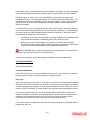
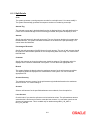
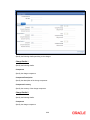
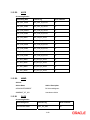
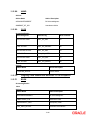
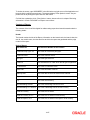
Status as of Date
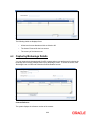
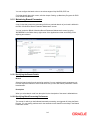
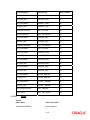
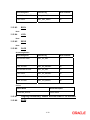
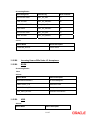
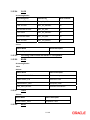
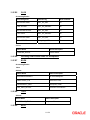
The system displays the contract status. If you have specified the status change as a manual
event, you can change the status of a bill from one status to another in this screen. The option list
available for this field contains all the lists of Status codes, defined for the product, to which this
contract is linked.
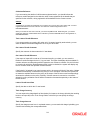
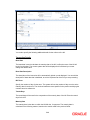
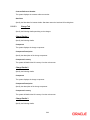
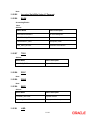
User Defined Status
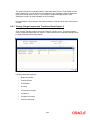
Specify the status of the bills contract. The option list displays all valid statuses that are
applicable. Choose the appropriate one.
Derived Status
The system displays the derived status of the bills contract. You cannot modify this.
As on
The system displays the date on which the status was last changed.
5-21



















































































































































![[January] [2010] Oracle Part Number E51712-01](http://vs1.manualzilla.com/store/data/005963836_1-7094ec60d76539196cdb565251425f84-150x150.png)