1
Table of Contents
Copyright Information ..................................................................................... 4 Chapter 1
Safety Instructions ...................................................................... 5 Precautions ................................................................................................ 6 FCC Warning ............................................................................................. 6 EN55022 (CE Radiation) Warning .............................................................. 6 Chapter 2
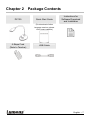
Package Contents ....................................................................... 7 Chapter 3
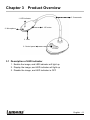
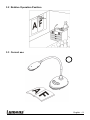
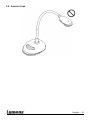
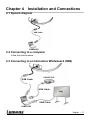
Product Overview ........................................................................ 8 3.1 Description of LED indicator ............................................................. 8 3.2 Relative Operation Position .............................................................. 9 3.3 Correct use ....................................................................................... 9 3.4 Incorrect use ................................................................................... 10 Chapter 4 Installation and Connections.................................................... 11 4.1 System diagram .............................................................................. 11 4.2 Connecting to a computer ............................................................... 11 4.3 Connecting to an Interactive Whiteboard (IWB) .............................. 11 4.4 To mount it at desk.......................................................................... 12 4.5 Installing application software ......................................................... 12 Chapter 5
Start Using ................................................................................. 18 Chapter 6
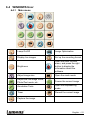
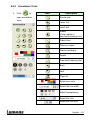
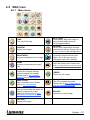
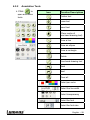
Function Menu ........................................................................... 19 6.1 Function Descriptions of Control Panel Button................................ 19 6.2 Software Screen Introduction .......................................................... 19 6.3 Thumbnail (Saved image window) .................................................. 20 6.4 WINDOWS User ............................................................................. 21 6.4.1 Main menu ...................................................................................... 21 6.4.2 Annotation Tools ............................................................................. 22 English - 1