1
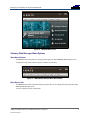
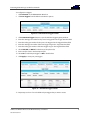
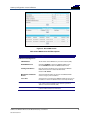
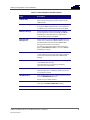
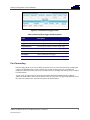
Gateway Configuration Screen Definitions
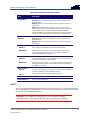
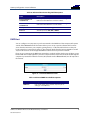
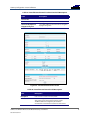
Field
Description
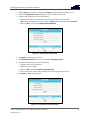
URL
Enter the web address of the Internet site that you want to
block or access.
Start Port
Enter the starting port number of the range of ports for which
you want to block incoming or outgoing access.
Default port is 0.
End Port
Enter the ending port number of the range of ports for which
you want to block incoming or outgoing access.
Default port is 0.
Protocol
Select TCP, UDP, or Both for the Internet protocol.
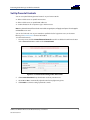
Days
Select the days of the week that the selected user can access
the Internet.
Time
Set the start and end time of day that the selected user can
access the Internet.
Allow/Block
Set to allow or block Internet access for the time defined
above.
Enabled
Turn ON or OFF this Parental Control restriction.
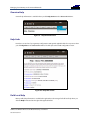
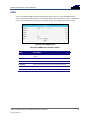
Time Zone
Update the related time information for your location.
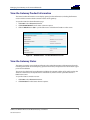
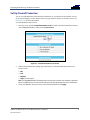
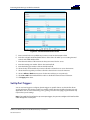
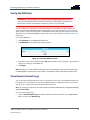
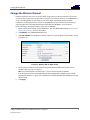
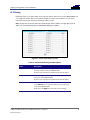
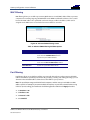
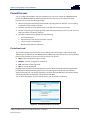
Local Log
You can use either of the following two formats to send your firewall event log notifications:
•
•
Individual e-mail alerts sent out automatically each time the firewall is under attack
Local log stored within the gateway and displayed in table form on the Local Log page
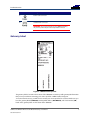
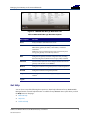
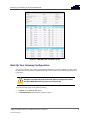
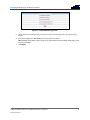
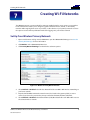
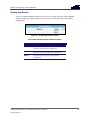
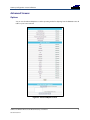
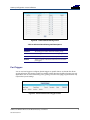
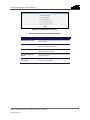
Figure 55 – Firewall Local Log Screen
SURFboard® SBG6580 Wireless Cable Modem Gateway • User Guide
365-095-25397-x.1
58