1
11.3.6.
A/B Ratio of Trace -based measurements
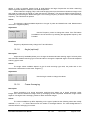
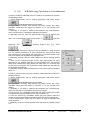
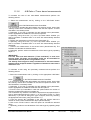
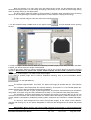
To measure the ratio of two trace-based measurements perform the
following actions:
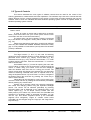
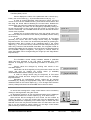
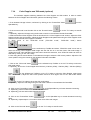
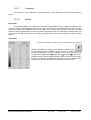
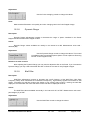
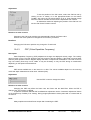
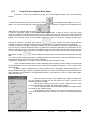
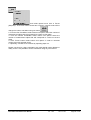
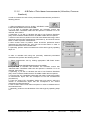
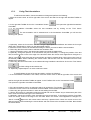
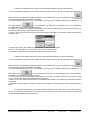
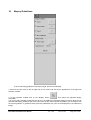
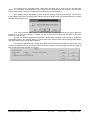
1. Select the measurement tool by clicking on the "A/B Ratio" button
in the PW/CW Measurements ControlBar.
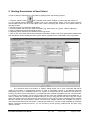
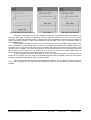
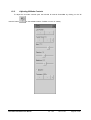
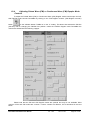
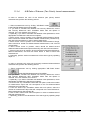
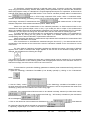
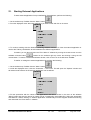
2. If you wish to calculate the ratio between two Velocity means, ensure that
"Velocity means ratio" CheckBox is ticked in the ratio tool options. Tick this
CheckBox if not already ticked.
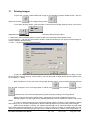
3. Optionally, if you wish to calculate the ratio between other parameters,
tick the appropriate CheckBoxes in the ratio tool options.
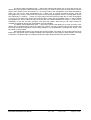
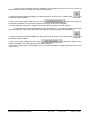
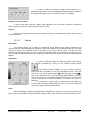
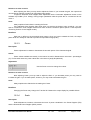
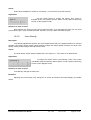
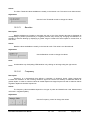
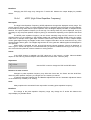
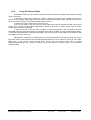
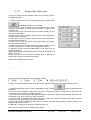
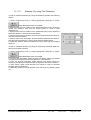
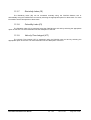
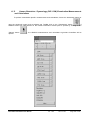
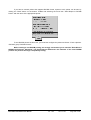
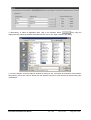
4. Optionally, using the menu ("v") of the "A)" button select whether you
want to measure a standard trace or a trace with automatically detected
heart beat.
5. Perform the measurement of the first trace (numerator A).
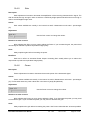
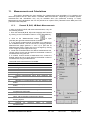
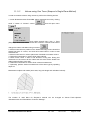
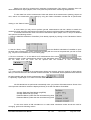
6. Optionally, using the menu ("v") of the "B)" button select whether you
want to measure a standard trace or a trace with automatically detected
heart beat.
7. Perform the measurement of the second trace (denominator B). The
software will calculate the selected ratios.
8. Optionally, perform another measurement of the same type by repeating
steps 2-7.
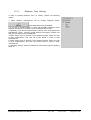
IMPORTANT.
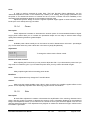
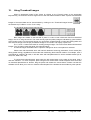
If a trace with heart beat detection ("Trace and Beat") is used, then
Velocity mean, PG mean and Pulsatility Index are all calculated for
detected beat interval (drawn using different color).
The Velocity Time Integral is always calculated for a full trace between
dashed vertical endpoint markers regardless of whether a heart beat is
detected or not.
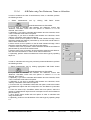
To calculate a ratio using two previously measured traces perform the
following actions:
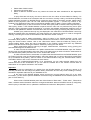
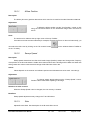
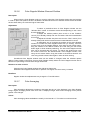
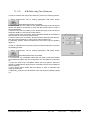
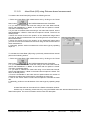
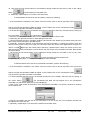
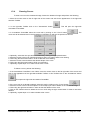
1. Select the measurement tool by clicking on the appropriate "A/B Ratio"
button
in the PW/CW Measurements ControlBar.
2. If you wish to calculate the ratio between two Velocity means, ensure that
the "Velocity means ratio" CheckBox in the ratio tool options is ticked. Tick
this CheckBox if not already ticked.
3. Optionally, if you wish to calculate the ratio between other parameters,
tick the appropriate CheckBoxes inside the ratio tool options.
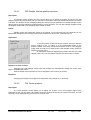
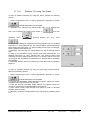
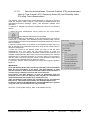
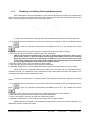
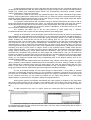
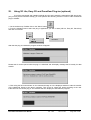
4. From the first "A)" ComboBox in ratio tool options select the number of
first trace measurement object (numerator A).
The ComboBox only shows the numbers of objects that correspond with the
type of object selected using the menu "v" of "A)" button ("Trace" or "Trace
and Beat"). If you want to change the type of objects, do this by selecting
the appropriate menu item (using menu button "v").
5. From the second "B)" ComboBox in the ratio tool options select the
number of second trace measurement object (denominator B).
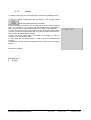
6. Click on the "Finish" button in ratio tool options to calculate the selected
ratios.
7. Optionally, perform more calculations of the same type by repeating steps
2-6.
TELEMED
Echo Wave II Software User Manual
Ver. 1.8.0
2013.12.03
Page 115 of 182