1
APPENDIXES
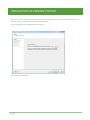
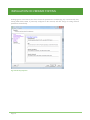
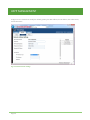
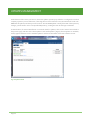
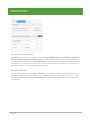
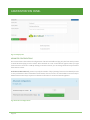
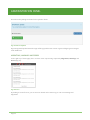
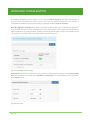
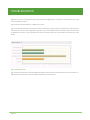
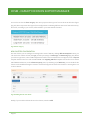
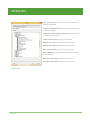
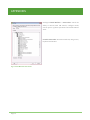
Now it is possible to assign the needed privileges by clicking with the right button of the mouse on the name
of the role.
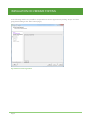
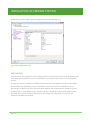
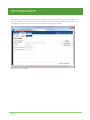
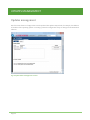
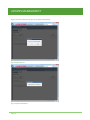
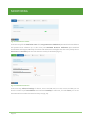
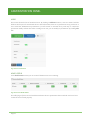
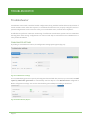
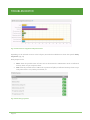
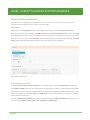
Alarms privileges: control the ability to set and respond to alarms
on inventory objects.
This class of privileges is useful to insert automatic alarms within
the vCenter in case of overloads.
Acknowledge alarm: recognition of an alarm
Create alarm: creation of a new alarm.
Disable alarm action: block of the reaction to an alarm
Modify alarm: modify of an alert object
Remove alarm: removal of an alert object
Set alarm status: modify the status of an alarm to Normal,
Warning, or Alert
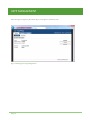
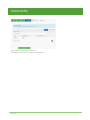
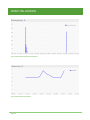
Fig. B Alarms
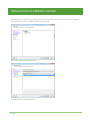
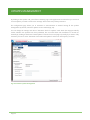
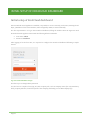
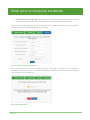
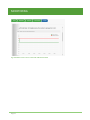
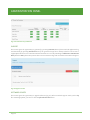
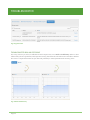
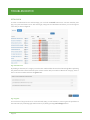
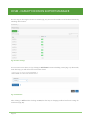
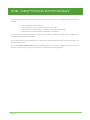
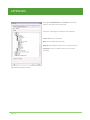
Global privileges: control global tasks related to tasks, scripts, and
extensions. Furthermore it is used to manage custom attributes such
as Annotations.
Act as vCenter Server: Prepares or starts a vMotion
Cancel task: Cancels an executing task
Manage Custom attributes: Add, remove, or rename custom field
definitions.
Script Action: Schedule a scripted action in conjunction with an
alarm.
Set Custom attribute: View, create, or remove custom attributes
for a managed object.
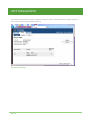
Fig. C Global
Page 67